Changing a Schlage keypad code starts with identifying the exact lock model. Then follow that model’s current Schlage manual to remove the old access code and add the new one. We couldn’t confirm one approved programming sequence for every Schlage keypad, so don’t copy a button pattern from another model.
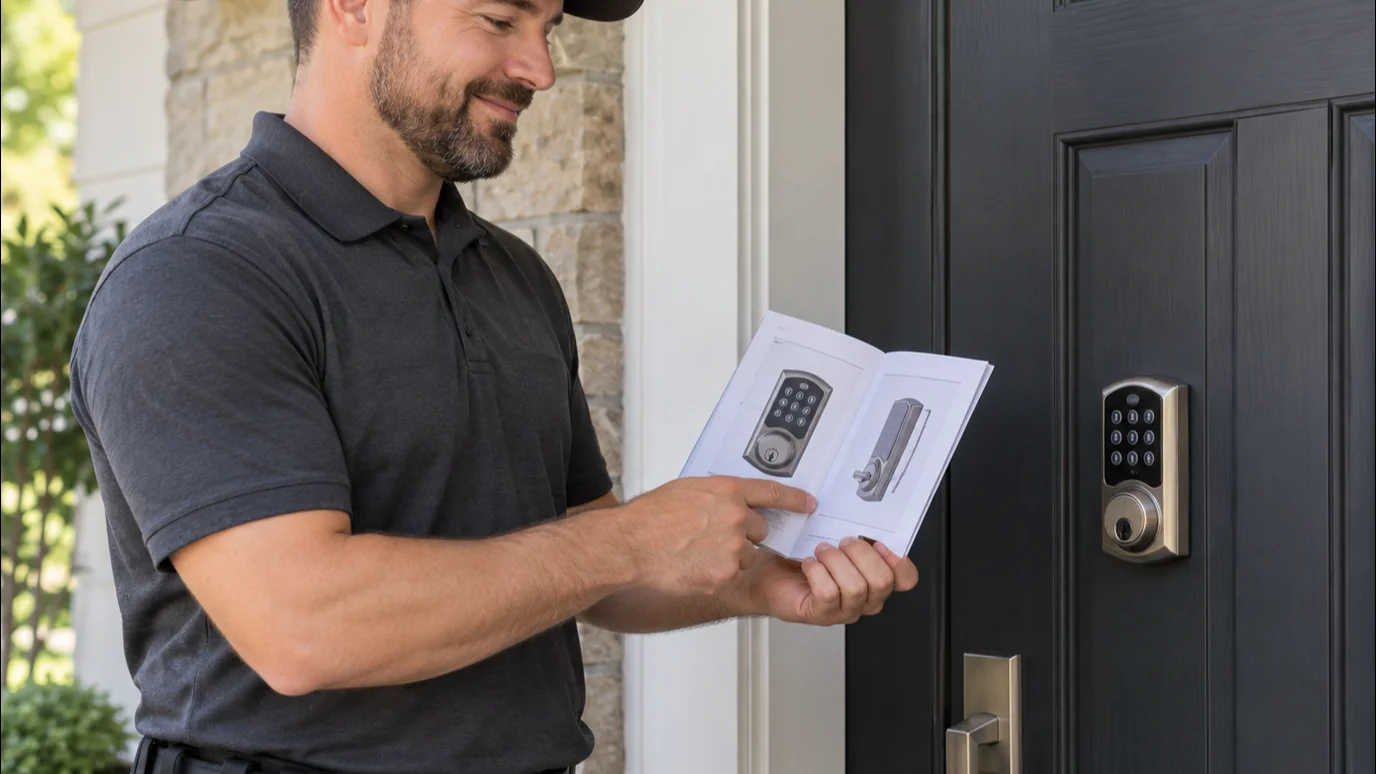
Confirm the exact Schlage keypad model
Start by identifying the lock before pressing any buttons. Schlage has sold several keypad and connected-lock designs. Instructions written for one model shouldn’t be treated as instructions for another.
Check the paperwork that came with the lock. Look for a model name or model number on the manual, packaging, purchase record, or connected-lock profile. If those aren’t available, compare the lock with product images in current Schlage support material. Pay attention to the keypad layout, exterior shape, key cylinder, thumb turn, and any buttons named in the documentation.
Don’t post photos showing labels, programming credentials, or active access codes. Those details should remain private. If you’re helping a relative, tenant, or client, confirm that you’re authorized to manage the lock before changing anything.
A six-digit Schlage programming code is mentioned in many online instructions. We couldn’t confirm where that credential appears across every current and discontinued model using the approved facts for this page. Check the manual for your exact lock instead of assuming its location, length, or purpose.
The distinction matters because “change code Schlage lock” can describe several tasks. You might be replacing one guest code, deleting an old resident’s access, or changing how the whole lock is administered. Those aren’t automatically the same operation.
For a broader overview, read our keypad lock code guide. Return to the Schlage-specific manual before entering any sequence.
Find the model’s documented programming method
Once you know the model, locate its current official instructions. Use the manual supplied with the lock or Schlage’s support material for that exact model. Match the full model identifier, not just the brand name or a similar-looking keypad.
We couldn’t verify universal button presses, code lengths, app menus, or reset steps from the approved claims ledger. Publishing a guessed sequence could remove working access or change settings you meant to preserve. That’s why this guide doesn’t give one generic keypad combination.
Read the complete procedure before starting. Determine whether the official document describes editing, deleting, or adding an access code. Those labels can represent different actions. Follow the documented order exactly and stop if your lock responds differently than the manual describes.
If the instructions direct you to a mobile app, use the current documented path for your model and software version. Don’t assume screenshots from an older article still match your screen. Confirm that you selected the correct property, lock, and user before saving a change.
Avoid a factory reset unless the exact manual calls for it and explains the result. We couldn’t confirm one reset method or one set of consequences for every Schlage keypad. A reset may be a much broader action than replacing a single entry code.
Write down which authorized users still need access, but don’t record their actual codes in a public note. Property managers and vacation-rental operators should also follow their own approved access policies. If you can’t identify the lock or its official instructions, pause and ask a qualified professional to inspect it.
Separate a code change from a lock failure
A rejected code doesn’t prove that the code itself is the problem. Before reprogramming, note exactly what the lock does. Does the keypad respond? Does it reject one entry or every authorized entry? Does the door lock normally when it’s open but resist when closed?
These observations help separate an access-management task from a possible hardware problem. They don’t provide a diagnosis by themselves. Don’t keep entering random sequences, remove parts, or force the thumb turn.
Check the official troubleshooting material for your exact model. Follow only the checks Schlage documents there. We couldn’t confirm model-wide battery procedures, indicator meanings, or button responses from the approved claims for this page. Treat advice for another model as unconfirmed.
If you own a Schlage Encode and the symptoms extend beyond one access code, our guide to Schlage Encode problems and fixes can help organize the next checks. The model’s official documentation still controls.
Door behavior also deserves attention. A keypad may appear to accept an entry while the bolt or door doesn’t move as expected. Don’t assume another programming attempt will correct a mechanical symptom. Stop if the hardware binds, feels loose, makes an unfamiliar sound, or needs force.
San Diego homes include many different door and lock setups. About 49.6% of homes in the city of San Diego were built before 1978. That doesn’t identify the cause of a specific problem, but it makes a careful fit and hardware inspection sensible when an older door has recurring trouble.
Test the old and new codes with the door open
After completing the model’s documented change process, keep the door open while testing. This reduces the chance of leaving yourself outside if the new entry doesn’t work as expected.
Follow the manual’s test instructions. Enter the new authorized code carefully, then observe the keypad and lock movement. Don’t force the bolt or repeat commands rapidly when the response differs from the documentation.
Next, verify the old code according to your intended change. If you meant to replace or delete it, confirm that it no longer grants access. If other authorized users should keep their entries, confirm those separately. Never include live codes in a maintenance log, email thread, rental listing, or service request.
Test the door in its normal closed position only after the open-door check succeeds. If operation changes when the door closes, stop treating the issue as a simple code update. The door, bolt, strike area, or installed hardware may need inspection. We couldn’t confirm the cause from the code symptom alone.
Keep a physical key available if your exact lock includes keyed access and you’re authorized to use it. Don’t hide that key in an obvious public location. For code-management habits beyond Schlage models, the general keypad code guide covers planning access for residents, guests, and service providers.
If the new code works, give it only to the people who need it. Remove access for people who no longer have permission. For rental or managed property, document that access changed without writing the actual code into a broadly shared record.
When a locksmith should inspect the hardware
Call a locksmith when the model can’t be identified, the official procedure doesn’t match the lock, or the hardware behaves differently with the door closed. An inspection also makes sense when the keypad responds but the bolt binds, the lock feels loose, or authorized entries fail after the documented checks.
A code update and a hardware service aren’t interchangeable. If you’re replacing the entire device, a licensed professional can inspect the door and discuss smart lock installation. If the concern involves who still has a physical key, ask whether lock rekey service fits the situation. The matched locksmith can explain the authorized options after inspecting the lock.
Swift Key San Diego is a referral service. We don’t program locks, inspect doors, set prices, or provide warranties. We connect customers with licensed, independent local locksmith professionals serving San Diego County. The customer contracts with and pays the professional directly.
California locksmith licensing is handled by the Bureau of Security and Investigative Services. You can confirm a company or individual through the state’s license search before authorizing work.
When to call us
Call when the documented code-change process fails, the lock binds, or you need authorized hardware work. Call us at (858) 400-4082 and we’ll connect you with a licensed local locksmith.