The app said the lock was online at breakfast. By the time you parked in North Park, it was gone again. People type why does my Schlage lock keep disconnecting from wifi because this is a loop: low power, the wrong wifi band, a hub limit, or a door that fights the bolt.
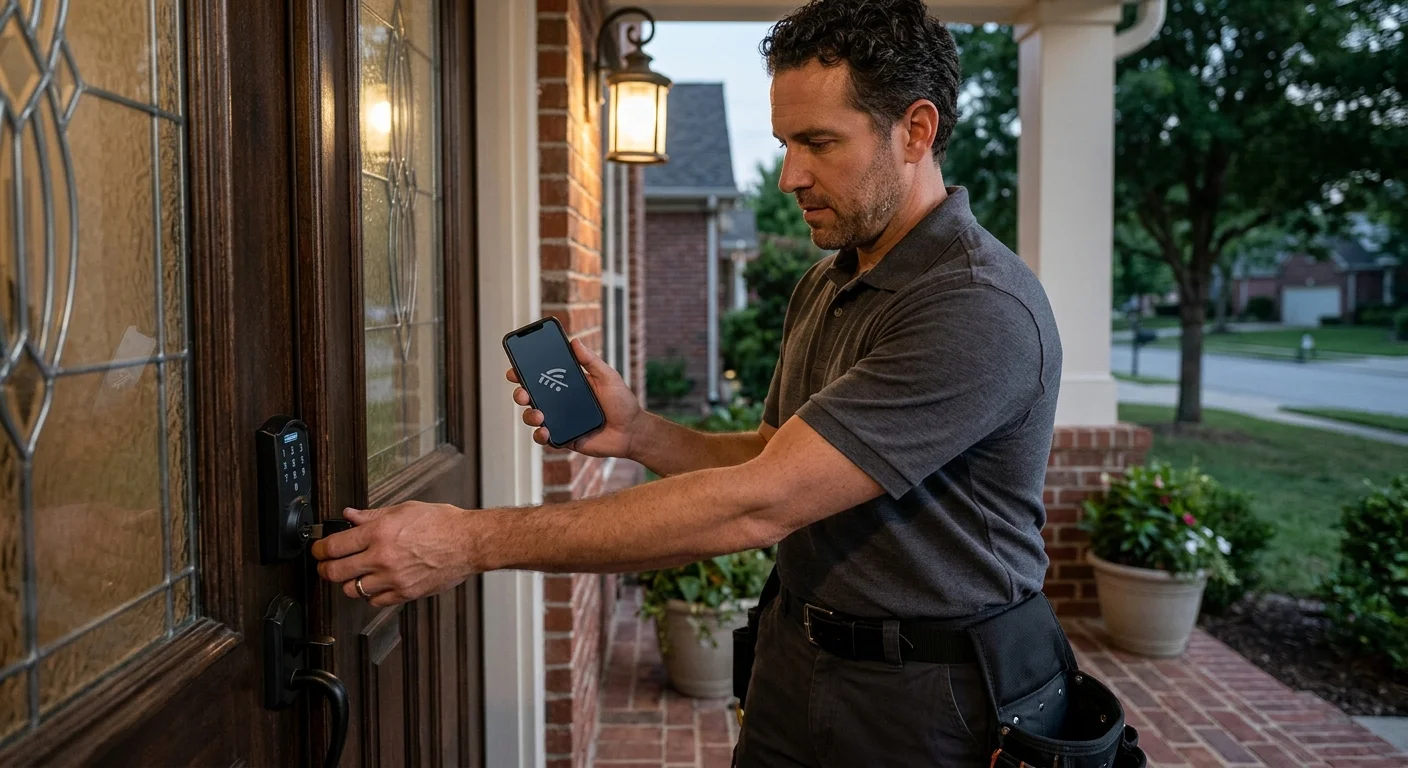
Confirm the exact Schlage model and app
You cannot fix a drop until you know which lock you own. Schlage sells several smart families. They do not share the same radio or the same app.
Open the interior cover. Look for the model stamp on the housing. Encode wifi deadbolts are often marked BE489. Those locks have wifi inside the unit. They do not use a separate hub. Encode Plus is a different product. It is built around Apple Home, not the same path as a standard Encode. Sense locks (often BE479) are a discontinued family. They used a Schlage Sense wifi adapter, sold as BR400. Connect locks use Z-Wave. They need a hub. They are not wifi locks, even when a phone app shows them as offline.
If the stamp is worn, match the trim and the app. Schlage Home, Key by Amazon, and Apple Home are not interchangeable. A lock added in one app can look dead in another. That is not a radio drop. That is the wrong app talking to the lock.
San Diego stock is mixed. Encinitas and Carlsbad remodels often have Encode on a newer slab. El Cajon and Escondido homes still carry Sense plus an adapter in a hallway outlet. Downtown and Mission Valley condos lean on mesh and Apple Home. South Bay metal security doors sit on older Encode and Sense units. Write down the model, the app name, and whether you see a brick adapter. Every later step depends on that note.
Schlage Encode not connecting to wifi is a real search, and it is narrower than this one. If the keypad, motor, or codes are the problem, use the Schlage Encode problems and fixes guide as the sibling. This page stays on the repeat drop. Confirm pairing notes on Schlage’s current page for your SKU. Model FAQs change. Do not run Sense adapter steps on an Encode lock.
Check power, wifi, and hub limits first
A Schlage lock wifi keeps dropping for dull reasons first. Start with power. Most Schlage wifi deadbolts take AA cells in the interior housing. The count and chemistry are printed in the model guide, and often on a label inside the cover. Use what Schlage lists for that SKU. Do not guess. Inland heat in El Cajon, Escondido, and Ramona cooks cells faster than a shaded Point Loma porch. Weak cells still work the keypad. They fail the radio first.
Then check the network the lock is allowed to join. Schlage’s Encode support materials have long said the lock joins a 2.4 GHz network, not 5 GHz. Confirm that on the current Encode FAQ for your exact SKU, because new hardware can differ. Cox and Spectrum routers across the county often use one name for both bands. Your phone grabs 5 GHz. The lock cannot follow it. Guest networks, AP isolation, and MAC filters will also make the lock look like it connected, then vanish.
Range is local, not generic. Stucco, foil-backed insulation, and metal security screens in Chula Vista, National City, and older East County houses eat 2.4 GHz. A router in a back bedroom of a split-level Encinitas house is a long path to the street door. Downtown high-rises stack dozens of 2.4 GHz nets on the same channels. A lock that worked in July can drop in August when neighbors add mesh nodes.
Hub limits matter when the lock never had wifi in the body. Sense needs that BR400 adapter on the same 2.4 GHz network, with a live outlet. Schlage’s Sense article talks about adapter placement and dual-band split. Follow that article if you own Sense. Do not invent a hold time. Read the current page or the sticker on the adapter. Connect and other Z-Wave units will never “join wifi.” They join a hub. If the hub is the weak link, the app will look like a wifi failure.
If the lock never joined in the first place, stop this path and use the smart lock wifi connection fixes guide. That page is first-time pairing. This page is the lock that joined, then keeps falling off.
Separate a drop from a first-time setup failure
A first-time miss and a repeat drop feel the same in the app. They are not the same job.
First-time failure looks like this. The lock has never shown as online. The keypad may flash an error during pairing. The network name never sticks. Causes cluster around password, band, and app. Schlage publishes pairing rules for some models, including password length and characters. Arrive has its own pairing article. Encode has its own. Read the article for the lock you own. Do not assume they share the same password rules.
A repeat drop looks different. The lock was online for days or months. Then it starts bouncing. Notifications fire while you are at work in Kearny Mesa. The keypad still works from the porch. The mechanical key still turns. That pattern points to power, range, band steering, a sleeping radio, or a hub that lost the lock.
Router “smart connect” is a common county issue. The name looks like one network. The lock joins 2.4 GHz at setup. Later the router steers traffic and the lock never comes back. Splitting 2.4 GHz and 5 GHz into two names is a step Schlage describes on more than one wifi article. Confirm the wording on the page for your model before you change router settings.
Door hardware can fake a radio problem. If the bolt binds, the motor retries. The lock draws hard, then the radio sleeps. Coastal swell in Imperial Beach and Ocean Beach swells wood. Santa Ana weeks inland dry the same slab and shift the strike. The app says offline. The real fault is the door.
If several smart devices drop at once, the house network is the patient. If only the Schlage drops, stay on the lock, the app, and the hub. Broader keypad and battery checks live in smart lock troubleshooting. Keep this page for the wifi loop.
Use only Schlage’s documented reconnect steps
Do not use a random reset sequence from a forum. Button holds differ by family. A bad reset can wipe codes. Use the current Schlage article for the exact model stamp you wrote down.
Work in this order, and stop when the lock stays online.
Confirm batteries against the interior label and the model guide. Reseat them. Watch the keypad wake. Then confirm you are joining the band Schlage lists for that lock, usually 2.4 GHz on Encode. Restart the router and wait until phones rejoin before you touch the lock. In the correct app, use that model’s reconnect or add-lock flow from Schlage’s page. Do not mix Key by Amazon steps into Schlage Home, or Apple Home steps into either.
For Sense, use only the Sense plus BR400 article. Soft reset, app reinstall, and adapter placement are listed there. Copy the hold time from that page, not from memory. For Encode, stay on Encode. Schlage Encode not connecting to wifi after a drop is still an Encode problem. It is not a Sense adapter problem.
Skip factory reset unless the current manual says it is next. A reset can clear user codes. If you do reset because Schlage says to, rebuild codes from the same manual. The local walkthrough for codes is how to change a keypad lock code in San Diego. Do not take the lock off the door to “see the board.” That is not a wifi step.
If none of the documented steps hold, the radio, antenna path, or door fit may be the fault. That is inspection, not another app trick.
When a locksmith should inspect the lock
Call for a hardware look when the wifi drop rides along with a mechanical symptom. The bolt scrapes. The door has to be lifted. The interior assembly sits proud of the door. The keypad is filmed with salt. The motor sounds like it is grinding. Those are not router settings.
San Diego doors do this work every season. Marine layer on the coast swells jambs in Encinitas, Pacific Beach, and Imperial Beach. Inland heat in Santee and El Cajon shrinks the same slab. Pre-1978 houses in the city of San Diego, about 49.6% of that city’s stock, often have thick wood, added metal screens, and strikes that were never recut for a smart deadbolt. The lock spends its battery fighting the hole. Then the radio drops.
A matched independent locksmith inspects the door, the strike, and the lock. The pro can tell you if the unit should stay, get a fresh latch setup, or come off for a replacement. Authorized work only. No bypass. No picking the case open to “fix wifi.” If the lock is the wrong product for the door, smart lock installation is the service path, done by the locksmith you are matched with, not by this brand.
Swift Key San Diego is a referral service. It matches you with licensed, independent locksmiths. It does not install, repair, or program locks. California locksmiths are licensed by the Bureau of Security and Investigative Services. You can verify a license before anyone works on the door. Ask to see the pocket license on site.
If the lock still works with the key and the keypad, you are not in a lockout. You have a radio and fit problem. Get those checked before the bolt starts failing too.
When to call us
When Schlage’s current guide still leaves the lock bouncing offline, or the bolt is binding on a San Diego door, you need a licensed locksmith on the hardware. Swift Key San Diego matches you with independent local pros. Call us at (858) 400-4082 and we’ll connect you with a licensed local locksmith.