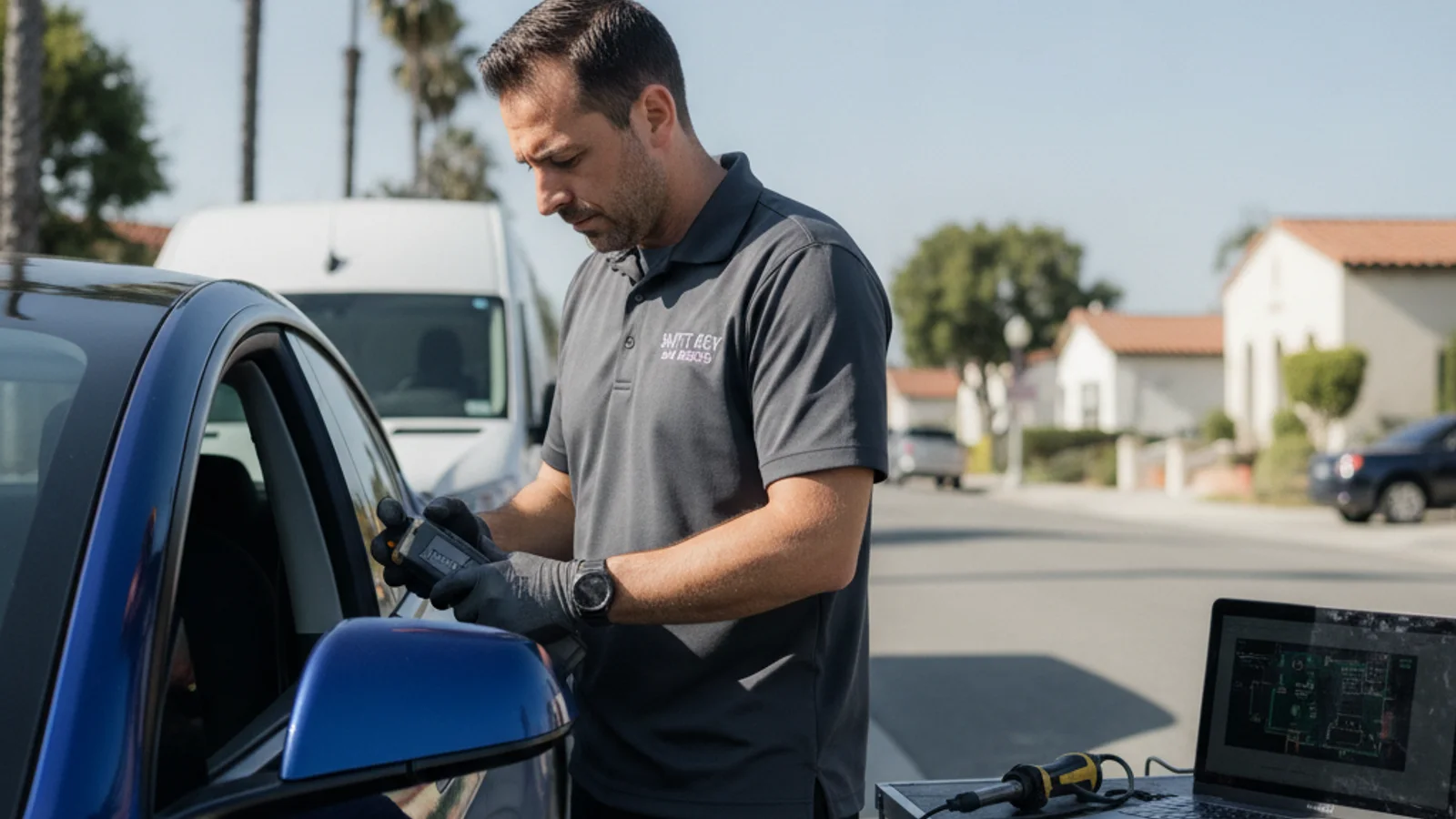
A replacement Tesla key card costs $25 to $40 from Tesla directly, and you pair it yourself through the car’s touchscreen. You don’t need a locksmith, and you don’t need a dealership. The catch: you need one working key to authorize the new one. If you’ve lost every key and your phone’s dead, the situation is different, and that’s what most of this guide is about.

San Diego has one of the highest concentrations of Teslas in the country. La Jolla, Encinitas, Rancho Santa Fe, Carmel Valley, and Del Mar are full of them. Yet most locksmith content online either ignores Teslas entirely or overpromises on what a locksmith can do. This guide gives you the straight picture: what you handle yourself, what Tesla handles, and where a locksmith actually fits.

The three ways to access a Tesla

Understanding how Tesla access works changes how you think about losing a key. It’s not like a conventional car.

Phone key

Your smartphone is the primary key for most Tesla owners. The Tesla app communicates with your car over Bluetooth when you walk up. The car unlocks automatically and lets you drive without touching any physical key. As long as your phone has battery life and Bluetooth, you’re in.

This is also why being locked out of a Tesla is often a phone problem, not a key problem.

Key cards

Tesla includes two credit-card-style key cards with every new vehicle. These are meant as backups. You tap a key card to the center pillar (the B-pillar, between the driver’s window and the rear door) to unlock, then hold it to the center console to start. They use near-field communication, the same technology as contactless payment cards.

Key cards don’t require pairing at a Tesla service center. You pair them yourself through the car’s touchscreen under Controls > Locks > Add Key. The important part: you need an already-authorized key (either your phone or the other key card) to authorize a new one. Without a working key in hand, you can’t add new access yourself.

Key fob (optional accessory)

Tesla sells an optional key fob that looks like a small Model 3 or Model Y miniature. It costs about $175 from Tesla. It works like a traditional push-button fob, with standard lock/unlock/trunk buttons, and it can also act as a passive proximity key. It’s popular with owners who want something tactile and don’t want to rely on their phone.

The fob isn’t included with the car. It’s an add-on, and pairing it also requires an existing authorized key.

What to do when you’re locked out of a Tesla

This depends entirely on one thing: do you have any working key?

You have a phone with battery

Open the Tesla app. As long as you’re signed in and have cellular or Wi-Fi, you can unlock the car remotely. This works even if you’re standing next to the car. It also works if you left your key card inside.

If the app isn’t connecting, check whether your phone has Bluetooth and cellular enabled. Tesla’s app sometimes needs a moment to establish the connection.

You have a key card but your phone is dead

Use the key card. Tap it to the B-pillar to unlock. Hold it to the center console to start. This is exactly what the cards are for.

Your phone is dead and both key cards are lost or inside the car

This is the real stuck scenario. Here’s what actually helps:

Tesla roadside assistance (1-800-333-3798). Tesla can push an unlock command to the car remotely if they can verify your identity. This is the primary path. They can reach the car over the mobile network regardless of whether your phone has battery, since they’re pushing from their end.

A trusted contact with Tesla app access. If another person is set up as a driver on your account with the Tesla app, they can unlock the car remotely from wherever they are.

A locksmith. A locksmith can get you into the car if the other options aren’t working. A Tesla’s door handles are motorized, but the physical door latch still works with a slim-jim tool when the door is approached correctly. This isn’t something every locksmith handles, but it’s a legitimate option when you’re stranded and roadside isn’t responding quickly. What a locksmith cannot do is provision a new key or program new access. That part requires Tesla’s infrastructure.

One important scenario: if your 12V battery is dead, none of the above works the same way. That’s covered below.

What a locksmith can and can’t do for a Tesla

This is the section most locksmith sites skip. Here’s the honest breakdown.

What a locksmith can do

Get you into the car when you’re locked out. The physical door mechanism still exists on a Tesla. A skilled locksmith can access it. If you’re stranded, this is a legitimate service.

Help with your other locks. Most Tesla owners have a house, a mailbox, a storage unit, or a garage that uses conventional keys and locks. If a break-in damages your front door lock, if you lose your house keys, if you need to rekey after moving, or if you want a lock rekey before a tenant moves in, that’s exactly what we do.

Key duplication for your home. If you’re driving a Tesla but your house key is a traditional key, we can cut duplicates.

What a locksmith cannot do

Program a new Tesla key card. Adding a key card to a Tesla requires authorization through the car’s touchscreen, which itself requires an already-authorized key. There’s no OBD-II port or bypass for this. No locksmith equipment can provision Tesla key access, because that access lives in Tesla’s proprietary system.

Unlock the car if the 12V battery is completely dead. Without 12V power, the door handles don’t extend and the electronics don’t respond. See the 12V section below.

Replace a key fob. The fob comes from Tesla and pairs through the car’s touchscreen. It’s not a locksmith service.

The honest answer is: a locksmith is the right call for the conventional parts of your security life. For Tesla-specific key access, Tesla’s infrastructure is the right tool.

The 12V battery problem

This catches a lot of Tesla owners off guard. Every Tesla has a large high-voltage battery pack that drives the motor, and a separate small 12V battery (similar to what’s in any gas car) that powers the car’s electronics.

When the 12V battery dies, the car goes dark. The door handles don’t extend. The touchscreen doesn’t turn on. Phone key and key card both stop working because the antennas and logic board need 12V power to operate.

The way to get in when this happens is to charge the 12V directly. On most Teslas, there’s an external 12V charge port hidden behind the tow hook cover at the front of the car. You can use a jump pack to charge it briefly, which restores enough power to unlock the door.

Tesla roadside can walk you through this over the phone. Many tow companies in San Diego that handle Teslas regularly know this procedure. If you’re stuck and not sure what to do, calling Tesla roadside first is the right move.

Once you’re in, don’t drive on a failing 12V battery. The car will usually alert you to the condition and recommend service.

Tesla key card replacement: the actual process

If you’ve lost one key card but still have another working key, replacement is simple.

  1. Order a replacement key card from Tesla’s online shop. As of mid-2026, they run $25 to $40 each.
  2. When the card arrives, go to your car’s touchscreen and navigate to Controls > Locks.
  3. Tap “Add Key.”
  4. Hold your existing authorized key (phone or the other key card) near the center console when prompted.
  5. Tap the new key card to the center console reader.
  6. Name the key if you want to.

That’s the whole process. It takes about two minutes. No appointment, no service center, no fee beyond the card cost.

If you’ve lost both cards and your phone doesn’t have the app set up, you’ll need to contact Tesla. They can verify your identity and either help remotely or have you visit a service center to reset access. This is not a quick process, so if you currently have only one key card, ordering a spare now is worth the $35.

Security for Tesla owners at home

This is where a locksmith actually becomes useful for Tesla drivers.

Rekeying after a move. If you just bought a house or moved into a rental, the previous occupants still have keys that work your locks. A lock rekey is cheaper than replacing the hardware and takes about 15 minutes per lock. It’s one of the most practical security steps any homeowner can take.

Upgrading door hardware. If your home has older knob locks or low-grade deadbolts, the Tesla in your driveway is probably worth more than the house’s current lock setup can protect. A Grade 1 deadbolt on the front and back doors is a meaningful upgrade.

Mailbox lock replacement. A lot of San Diego homes have USPS cluster boxes or builder-grade mailbox locks that haven’t been changed in years. If you’re getting mail related to vehicle registration or financial accounts, that’s worth securing. See our guide on mailbox lock replacement in San Diego for the process and cost.

Garage security. An attached garage is often the weakest entry point in a home. If your garage door’s lock is flimsy or if you’re relying only on the automatic opener, a secondary lock on the interior door is worth adding.

For all of these, call us at (858) 925-5546. These are conventional locksmith services, and we can handle them the same day in most cases across San Diego County.

Cost summary

ItemCostWho handles it
Replacement key card$25-$40Order from Tesla; self-pair
Optional key fob$175 + taxOrder from Tesla; self-pair
Remote unlock (roadside)Free with Tesla ownershipTesla roadside
Physical lockout (no working key)$75-$150Locksmith
12V battery jump/service$100-$200+Tesla service, roadside, or mobile mechanic
Home rekey (per lock)$25-$45 per lockLocksmith

For context, see our car key replacement cost guide by vehicle for how Tesla stacks up against conventional key replacement costs. Spoiler: Tesla is considerably cheaper for the key itself because the pairing is self-service. If you want to understand how conventional key types compare, our transponder key vs. smart key breakdown covers the hardware differences and what each one costs to replace.

Frequently asked questions

Can a locksmith unlock a Tesla?

A locksmith can access the physical door latch on a Tesla if you’re locked out and roadside isn’t available quickly. What a locksmith cannot do is program new key cards or provision new app access. That requires Tesla’s infrastructure. For a standard lockout where you just need the door opened, calling us is a legitimate option.

How much does a Tesla key card cost?

Tesla key cards cost $25 to $40 from Tesla’s online shop. You receive two with a new vehicle. Replacement cards ship in a few days and pair through the car’s touchscreen in about two minutes, with an existing authorized key present.

What if I lose all my Tesla keys?

Contact Tesla directly. If you have no working phone key, no key card, and no fob, Tesla can verify your identity and coordinate access through their service infrastructure. This usually means a service center visit or a mobile Tesla technician. It’s not a quick fix, which is why having a spare key card matters. A locksmith can get you into the car physically in the meantime, but restoring full key access goes through Tesla.

What happens when a Tesla’s 12V battery dies?

The car loses power to its electronics, including door handles and the card reader. The fix is to charge the 12V battery externally through a port typically located behind the front tow hook cover. Tesla roadside can guide you through this. Once powered, you can unlock normally, then get the 12V battery serviced or replaced. Don’t confuse this with the main battery pack, which is separate.

Does a locksmith need special tools for a Tesla?

Getting into a Tesla physically requires familiarity with the motorized door handle mechanism, which differs from conventional cars. Not every locksmith has this experience. For Tesla lockouts specifically, ask before they come out. For conventional locksmith needs like home rekeying, lock upgrades, or key duplication, no special equipment is needed.

Is the Tesla key fob worth buying?

It depends on your preference. At $175, it’s not cheap for an accessory. It’s a good fit if you regularly hand the car to someone who doesn’t use the Tesla app, like a valet or a family member who isn’t on the account, or if you simply prefer something physical in your pocket. It doesn’t offer any functionality the phone key doesn’t have, but some people find it more reliable in low-signal environments.

When to call us

For Tesla-specific key access, Tesla roadside and Tesla’s service infrastructure are the right call. For everything else, including getting a lockout opened when roadside is delayed, rekeying your home after a move, upgrading door hardware, or replacing a mailbox lock, we’re the right call.

Swift Key San Diego covers the full county, from Carlsbad to Chula Vista. Call us at (858) 925-5546 for a same-day estimate on any conventional locksmith need.