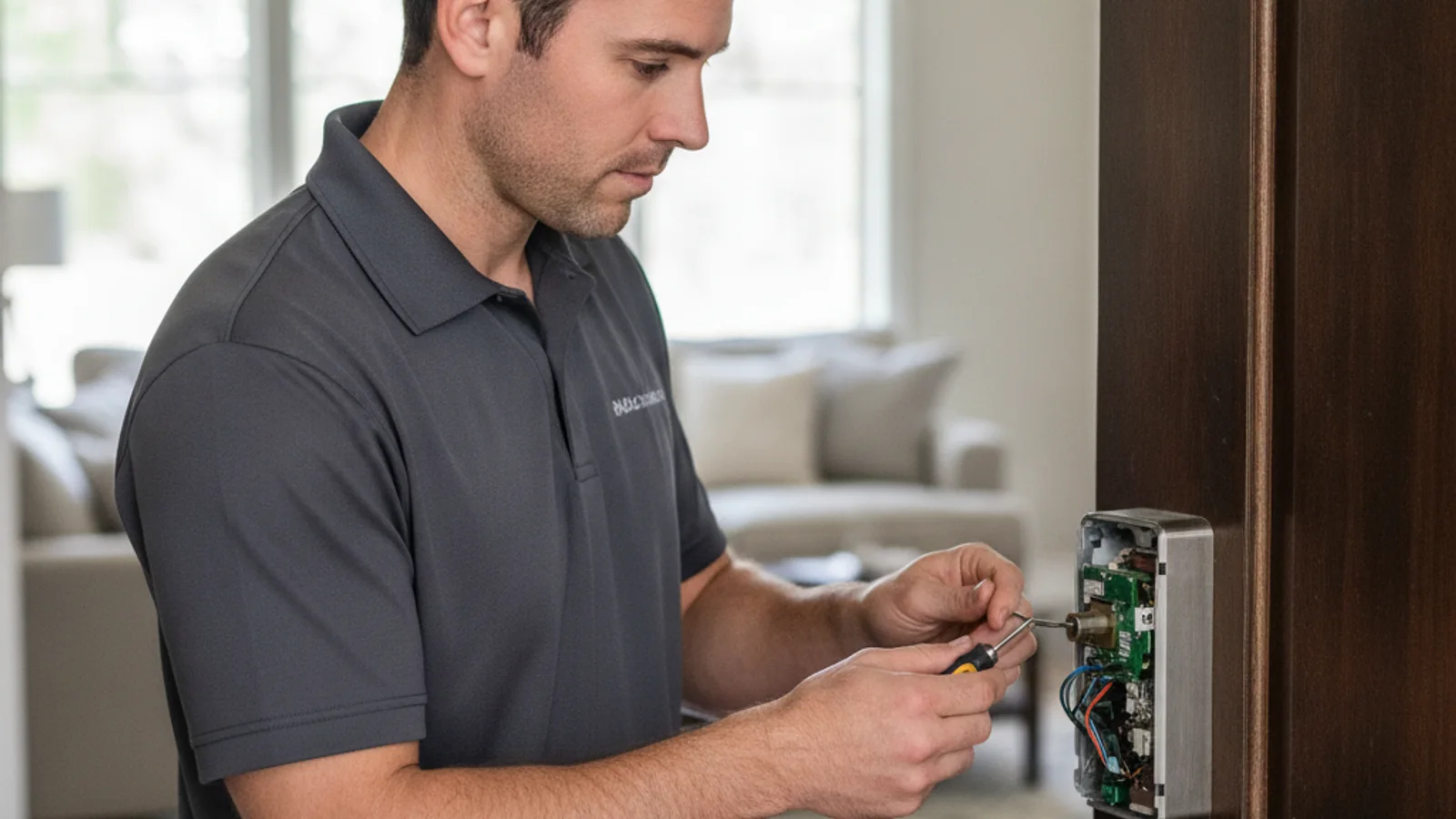
The most common Yale Assure problem is a keypad that won’t light up, and the fix is almost always the same: replace all four AA batteries with fresh alkalines, then press and hold any key for three seconds to wake the keypad. If the keypad still doesn’t respond after that, you’re dealing with a different issue, and the rest of this guide covers each one.
Yale Assure and Assure Lock 2 are reliable locks, but they have a few specific quirks that confuse owners. The key-free SL models have no physical key cylinder at all, which changes everything about what you do when the battery dies. The modular design lets you swap in Wi-Fi, Z-Wave, Zigbee, or Matter modules, which introduces its own compatibility headaches. And the door-calibration step that many people skip during install causes problems for months after.
Here’s what’s actually going on and what to do about it.
Yale keypad not working, Yale door lock not working, or dead entirely
This is a common Yale Assure complaint. The keypad looks dead, your code does nothing, and it’s not obvious whether the problem is the lock or the batteries.
Likely cause: depleted batteries. The Yale Assure draws more current than people expect, especially if you’re using the Wi-Fi module, which keeps the lock connected to your network around the clock.
Fix:
- Replace all four AA batteries at once with fresh alkalines. Do not use rechargeable batteries. They deliver 1.2V instead of the 1.5V the lock needs, and the keypad will behave unpredictably on them.
- After replacing batteries, press and hold any key for 3 seconds. The Assure goes into a sleep mode between uses, and a short press sometimes doesn’t wake it.
- If the backlight is dim but the keys don’t register, the batteries are likely at the threshold where they show just enough voltage to light the display but not enough to operate the motor. Replace them even if the app says battery level is okay; the app reading lags behind the actual state.
Battery drain faster than expected? See the battery section below. The Wi-Fi module is the biggest drain, and there’s a setting to reduce its polling frequency.
Yale lock battery dead no key: the 9V emergency terminal
This one catches people off guard. Several Yale Assure models, specifically the SL variants and the Assure Lock 2 Touch with a key-free deadbolt, have no physical key cylinder. If the batteries die completely and you don’t have the 9V trick in your back pocket, you’re locked out with no app-based workaround either.
The fix: Yale builds a 9-volt emergency terminal into the bottom of the keypad housing. Here’s how to use it:
- Get a standard 9V battery (the rectangular kind).
- Hold the positive terminal of the battery to the top contact on the lock’s external housing and the negative terminal to the bottom contact. On most Assure models these are small metal tabs at the base of the keypad, sometimes partially hidden by a plastic cover.
- Keep the battery pressed firmly and enter your access code. The lock draws enough power from the external battery to complete one unlock cycle.
A few important notes: this only works if you know your code. If you’ve forgotten the code and relied entirely on the app, the 9V terminal won’t help because there’s nothing to authenticate with. Also, don’t confuse this with a charging feature. The lock doesn’t store that power. You hold the battery, enter the code, and the door opens. That’s it.
If you’re locked out of a key-free Yale with a dead 9V backup or a forgotten code, you need professional entry. Our home lockout service connects you with an independent locksmith. Ask what method they will try first. Do not treat “no damage” as a promise.
Module ecosystem confusion
The Yale Assure and Assure Lock 2 use a removable module slot on the interior side of the lock. The base lock works as a standalone keypad deadbolt with Bluetooth only. Add a module and you get Wi-Fi, Z-Wave, Zigbee, or Matter connectivity.
The problem: the modules are not interchangeable across generations. A Z-Wave module from an older Yale Assure may not work in an Assure Lock 2, and vice versa. The module packaging isn’t always clear about this.
Quick diagnostic table:
| Symptom | Likely cause | Fix |
|---|---|---|
| App shows lock as offline constantly | Wi-Fi module on wrong band (needs 2.4GHz) | Set your router to broadcast a separate 2.4GHz SSID |
| Module installed but no connection | Wrong-generation module for your lock | Check Yale’s compatibility chart for your exact model number |
| Z-Wave/Zigbee lock not pairing with hub | Module not excluded before pairing | Factory-exclude via your smart home hub first |
| Matter device not discoverable | Matter module requires the Yale Access app for initial setup, then hands off | Complete Yale Access setup before adding to Apple Home or Google Home |
| Lock works as keypad but no app control | No module installed, or module seated incorrectly | Remove and reseat module, confirm it clicks in firmly |
August integration context: Yale and August share an app ecosystem. The August app and the Yale Access app can both control Yale Assure locks. If you’re coming from August smart locks, your August account credentials will carry over. DoorSense, August’s door-position sensor, is not built into the Yale Assure hardware the same way it exists in dedicated August locks. Some integration workflows that reference “DoorSense” apply only if you have an August-specific accessory paired with the system.
For help with a module swap or smart home integration at your door, our smart lock installation service covers Yale Assure setups including module installation and hub pairing.
Lock not calibrated after install
The Yale Assure has a calibration routine that it runs after battery insertion to learn the door. If this step is skipped or interrupted, the lock will behave erratically: the bolt extends partway and stops, auto-lock fails, or the motor sounds strained.
How to run calibration:
- Make sure all four batteries are fresh and fully inserted.
- The lock runs a self-test cycle. You’ll hear a series of motor movements as it extends and retracts the bolt several times. Let it complete without touching the lock or closing the door.
- If calibration was skipped during install, you can trigger it manually: remove the batteries, wait 30 seconds, reinsert. The lock will run the calibration cycle on power-up.
Important: the door needs to be open during calibration. If the lock calibrates with the door closed and the bolt can’t travel freely, it maps the wrong end position and will think the bolt is extended when it isn’t.
A binding strike plate makes this worse. If the bolt doesn’t drop cleanly into the strike hole, the motor fights resistance on every cycle, which wears the gear mechanism faster than normal. If you hear the motor running longer than a half-second per lock/unlock, check strike alignment before assuming anything electronic is wrong.
Yale auto lock not working: auto-lock not triggering
Yale Assure’s auto-lock relies on the lock knowing the door is closed. Without that signal, it won’t engage.
Likely causes and fixes:
- No door sensor signal: the Assure relies on either a magnetic door sensor or internal position sensing. If auto-lock keeps skipping, check whether the door is fully latching. The lock sometimes cancels auto-lock if it detects vibration or partial latch.
- Auto-lock disabled in app: confirm the setting is on in Yale Access or the August app under your lock’s settings. It’s easy to toggle off accidentally during another change.
- Timer set too short: if auto-lock is set to 30 seconds and someone is coming and going frequently, the lock may not engage because new activity resets the timer. Try 60-90 seconds.
- Low batteries: the auto-lock motor draw is the highest-current operation the lock performs. When batteries are marginal, the lock may skip auto-lock cycles entirely to conserve power for manual unlock.
Battery drains in weeks, not months
A correctly installed Yale Assure with alkaline batteries and the standard Bluetooth module should last 9-12 months. If you’re replacing batteries every few weeks, something is actively draining them.
Main culprits:
- Wi-Fi module on constant polling: the Wi-Fi module keeps an active network connection and sends status updates regularly. In Yale Access, go to Settings and look for the update frequency or connectivity settings. Reducing real-time reporting to periodic sync cuts battery draw significantly.
- Binding strike plate: every motor cycle against resistance uses more current. See calibration and strike alignment notes above.
- High traffic door: if this lock is on a door that opens 30+ times a day, battery life will be shorter. That’s normal, not a defect.
- Temperature: San Diego doesn’t get true cold, but if the lock is on a north-facing door or in a shaded entryway that drops below 45 degrees on winter nights, battery capacity drops temporarily.
For a reference on battery life across smart lock brands, the best smart locks for San Diego homes in 2026 guide covers how Yale stacks up against Schlage and Kwikset on this exact metric.
Code stopped working
If a specific code stopped accepting on the keypad, check the Yale Access app first. The most common causes are an expired scheduled code or a sync issue where the app shows the code as active but the lock’s internal memory hasn’t received the update.
Fix:
- Open Yale Access (or August app if that’s your interface).
- Find the code and delete it completely.
- Re-add it as a new code and save.
- Wait 30 seconds, then test at the keypad.
If multiple codes fail simultaneously, the lock’s code memory may have corrupted. Factory reset is the fix: remove the batteries, hold the reset button (small recessed button inside the battery compartment) while reinserting, and hold until you hear a confirmation tone. Then re-add all your codes from scratch.
For a broader look at smart lock code and connectivity troubleshooting that isn’t Yale-specific, the smart lock troubleshooting guide covers these patterns across brands.
When the door is the problem, not the lock
Before assuming the lock is faulty, check the door. Yale Assure problems caused by the door are more common than people expect, especially in San Diego’s coastal areas where humidity and temperature swings cause wood doors to swell seasonally.
Signs the door is causing the issue:
- The bolt extends fine with the door open but strains with it closed
- The strike plate shows wear marks where the bolt is catching
- The door requires a shoulder-push to latch
- Problems get worse in June and July when marine layer humidity peaks
A misaligned strike plate is a quick fix. A swollen door may need a planer pass along the edge, which is a different job. If you’re not sure which it is, get a locksmith look at the door before you buy a replacement lock.
When to call a locksmith
Some Yale Assure problems go past what any homeowner fix covers:
- You’re locked out of a key-free model with dead batteries and the 9V backup isn’t working
- The motor audibly grinds or clicks on every cycle and calibration doesn’t fix it
- The door frame has shifted and the bolt no longer aligns with the strike at all
- You’ve factory-reset the lock but it still won’t accept codes or connect to the app
- The lock physically won’t unlock and you need to get in now
For locksmith service in San Diego, call (858) 400-4082. Swift Key is a referral service. Independent locksmiths work on Yale Assure, Assure Lock 2, and Yale Access keypads. Ask whether they carry replacement modules before they come out.
You can also read about smart lock installation costs in San Diego if you’re weighing a repair versus a full replacement.
Frequently asked questions
What do I do if my Yale Assure lock is dead and I’m locked out?
If your lock has a key cylinder, use your override key. If it’s a key-free SL or Touch model, use the 9V emergency terminal at the base of the keypad: hold a standard 9V battery to the two metal contacts, then enter your code while keeping the battery pressed against them. The lock draws enough power for one unlock cycle. If you don’t know your code or the terminal isn’t working, you need a locksmith. Call (858) 400-4082. Swift Key matches you with an independent locksmith for a home lockout. That locksmith quotes.
Why is my Yale Assure Lock 2 keypad not working?
The most common cause is depleted batteries. Replace all four AA batteries with fresh alkalines, then press and hold any key for three seconds to wake the keypad from sleep mode. Do not use rechargeable batteries. If the keypad still doesn’t respond after fresh batteries, check whether the Wi-Fi or Z-Wave module is seated correctly in its slot, a loose module can interfere with normal operation.
My Yale door lock is not working at all. What now?
Work the power path before you assume the lock failed. Fresh alkaline batteries seated in the right orientation, then the 9V terminal on the exterior escutcheon if the keypad is fully dark, then a factory reset if it lights but rejects every code. A Yale lock that is not working almost always has a power, calibration, or module cause rather than a dead mechanism, and all three are fixable at the door.
Do Yale Assure locks have a backup key?
It depends on the model. Standard Yale Assure locks have a key cylinder at the bottom of the interior assembly and include a physical key. Key-free SL models and some Assure Lock 2 variants have no key cylinder at all. If you’re not sure which you have, look at the interior side of the lock. If there’s no keyhole on the exterior, you have a key-free model and the 9V emergency terminal is your only non-destructive backup entry method.
Why does my Yale Assure keep going offline?
The lock’s Wi-Fi module needs a 2.4GHz signal at the door. If your router only broadcasts 5GHz or the signal is weak at the entry point, the module will drop offline repeatedly. Check your phone’s signal strength right at the door. Two bars or fewer means the lock will struggle. Add a mesh node or Wi-Fi extender within 15-20 feet. Also confirm the module is fully seated in its slot and is the correct module generation for your specific Assure model.
How do I calibrate a Yale Assure lock after installation?
Remove all batteries, wait 30 seconds, then reinsert them with the door open. The lock will run a motor test cycle, extending and retracting the bolt several times. Let it complete without interruption. Once the calibration is done, the bolt should travel smoothly and the lock should auto-lock and unlock without the motor sounding strained. If the door is closed during calibration, the lock maps an incorrect end position and will behave erratically.
Can I switch from one module to another in a Yale Assure?
Yes, the module slot is designed for this. Pull out the current module, insert the new one, and follow the pairing steps in Yale Access. The main caution is generation compatibility: Assure and Assure Lock 2 modules are not always interchangeable. Check the Yale compatibility page for your specific model number before purchasing a module.