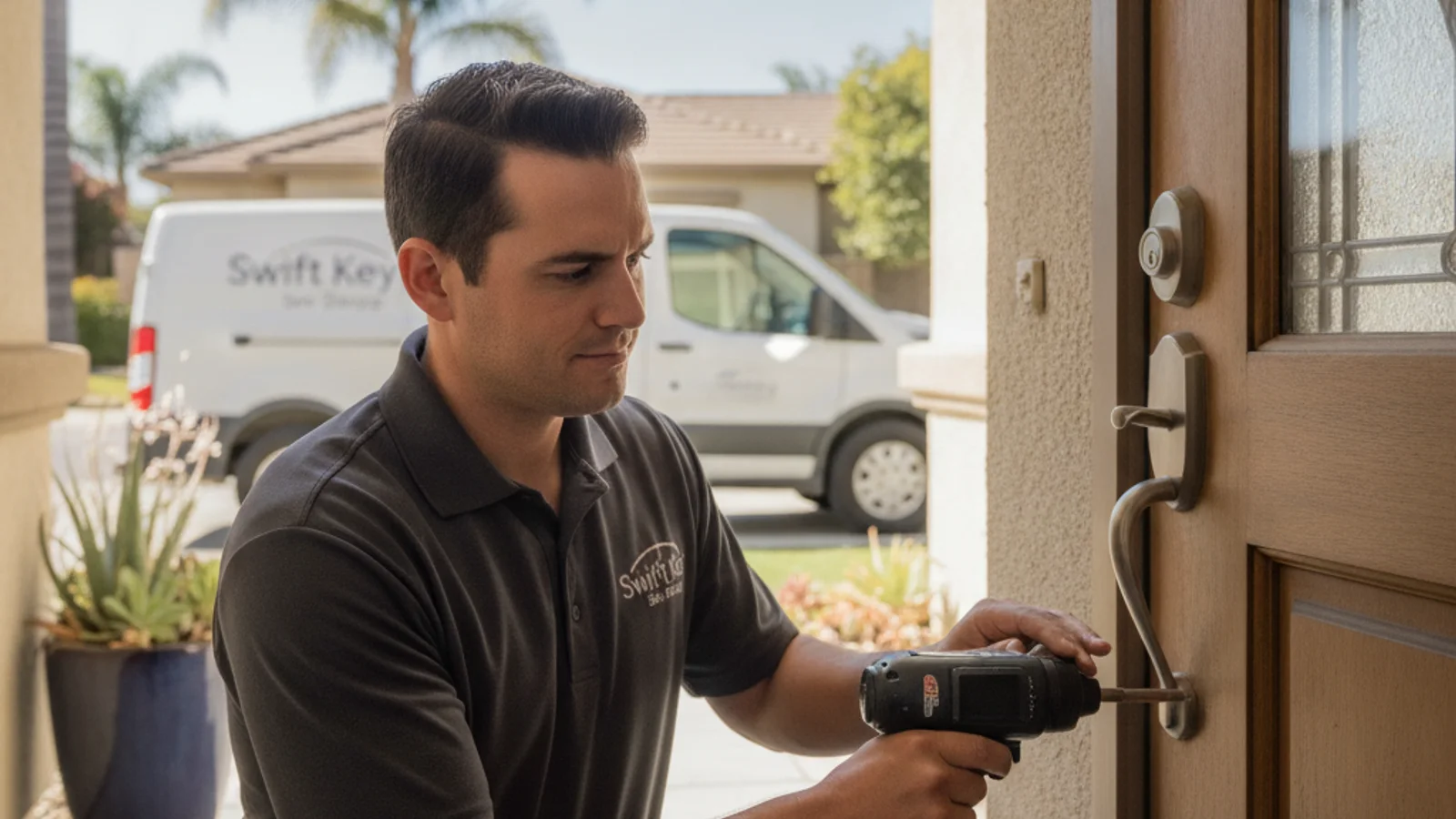
If your smart lock battery died while you’re outside, your first move is to hold a fresh 9-volt battery against the two metal contacts on the underside of the keypad, then enter your code. Many keypad deadbolts, including Schlage Encode, Schlage Touch, and some Kwikset models, have an external power terminal specifically for this situation. No tools required.
That trick works on a lot of locks, but not all of them. The path forward depends on what’s installed on your door. Here’s how to work through each option, starting with the fastest.
The 9V terminal trick: which locks have it and how to use it
The emergency 9-volt contact is one of the most useful features in smart lock design, and most homeowners don’t know it exists until they’re standing outside at night wondering how they got here.
On locks that have it, you’ll find two small metal contacts on the bottom edge of the exterior keypad housing. They’re usually recessed slightly or covered by a small flap that lifts away. The location varies a bit by model:
- Schlage Encode and Schlage Touch: the contacts are on the underside of the keypad, just below the number buttons. They look like two small raised metal dots.
- Some Kwikset SmartCode and Kwikset Halo models: similar placement on the bottom edge of the keypad assembly.
- Older or simpler keypad deadbolts: many have this feature even if the manual doesn’t highlight it.
To use it: hold the positive terminal of a 9-volt battery against the top contact and the negative terminal against the bottom contact. Keep it pressed firmly. The lock draws just enough current to power the keypad for one entry. You’ll usually hear a click or see the backlight come on. Enter your code while maintaining contact with the battery. The bolt should retract.
A few things that trip people up: the battery needs to be fresh or nearly fresh. A dead 9V from the junk drawer likely won’t provide enough current. Also, some people hold the battery sideways or at an angle and lose contact mid-entry. Press it flat and keep it there until the code is fully entered.
If the lock doesn’t respond after two attempts, the contact points may be corroded, or your model simply doesn’t have this feature.
The hidden keyway: which locks keep a physical backup, and which don’t
Many smart locks include a traditional key cylinder as a backup entry method, even though most owners never use it. If you have a key to it somewhere, a dead battery is no problem.
The cylinder is usually covered by a decorative cap on the exterior side of the lock. On some models it’s behind a small sliding cover at the bottom of the lock body. On others it’s visible and obvious.
Locks that typically keep a key cylinder:
- August smart locks (retrofit models like the August Wi-Fi Smart Lock and August Smart Lock Pro): August’s retrofit design mounts over your existing deadbolt and keeps the original key cylinder completely intact. If you have a house key, it still works regardless of battery state.
- Schlage Encode: has a visible key cylinder on the exterior.
- Most Kwikset smart lock models: key cylinder is standard.
- Ultraloq and most budget smart locks: key cylinder included.
Locks that are intentionally key-free:
- Yale Assure SL: the “SL” stands for slim and key-free. There is no cylinder, no backup key. This is by design for people who want to eliminate physical keys entirely. If the battery dies and the 9V trick doesn’t work, you have no mechanical entry option.
- Level Lock (invisible smart lock): no external key access.
- Some Level Bolt models: same situation.
If you’re not sure whether your lock has a key cylinder, look at the exterior face. A small round hole with ridges around it, usually covered by a cap, is the cylinder. No hole means no cylinder.
For homes with key-free locks, knowing this ahead of time is the whole point of this article. If you’re considering a Yale Assure SL or similar model, you need a plan for battery management, because a dead battery leaves you with only the 9V trick or a phone call.
USB emergency power: some locks support it
A smaller number of smart locks support USB emergency power rather than the 9V contact method. The port is usually micro-USB or USB-C and is located on the underside or side of the exterior housing.
If your lock has this, you can connect a fully charged external battery pack or a cable plugged into a car charger, wait about 30 seconds, and then enter your code. The lock pulls just enough power to operate the motor.
This isn’t as common as the 9V method, so check your lock’s manual or the manufacturer’s website before assuming your lock supports it. Schlage’s newer models lean toward the 9V terminal. Some Ultraloq models use USB-C. A few Yale models support USB external power.
If you’re not sure, a quick search for your lock model plus “external power” or “emergency entry” should tell you.
When to call a locksmith and what it costs
If the 9V trick doesn’t work, there’s no cylinder, and you don’t have USB power access, it’s time to call a home lockout service. This is a non-destructive entry situation, not a break-in scenario.
A skilled locksmith has a few options depending on the lock:
- On locks with a key cylinder, picking or impressioning the cylinder gets you in without any damage to the lock.
- On key-free locks, the locksmith may be able to access the interior side through a different entry point, or in some cases partially disassemble the exterior to reach the battery compartment from outside. This is lock-specific and not always possible.
- In unusual situations where the only viable option involves the lock, the locksmith will tell you that upfront and quote a replacement before touching anything.
What to expect on the quote in San Diego:
The locksmith quotes the visit. After-hours work costs more than a daytime call. Smart lock entry is usually in the same family as a standard deadbolt entry. If the lock has to be replaced because no other method works, they should quote the new lock and the install as separate lines before they start.
Most smart lock battery lockouts resolve with the 9V trick or a key cylinder. Calling a locksmith is the backup for edge cases, not the default outcome.
For a full breakdown of what locksmith service costs across different scenarios, see our guide on how much a locksmith costs in San Diego.
Prevention: battery life by lock type and how to stay ahead of it
The best version of this scenario is the one where you never have to test any of these options, because you replaced the batteries before they died.
Most smart locks give you low-battery warnings through the app, through the keypad (usually a blinking red light or an audible alert when you enter your code), or both. The trick is not dismissing those warnings. A low-battery alert typically means you have days to a couple of weeks, not months.
Here’s a general guide to expected battery life by lock type. These are ranges, not guarantees. Actual life depends on usage frequency, temperature, whether the lock is using Wi-Fi or Bluetooth only, and how well the strike plate is aligned (a binding deadbolt can cut battery life roughly in half).
| Lock type | Typical battery | Expected range |
|---|---|---|
| Bluetooth-only smart lock (August retrofit) | 2x CR123A | 3 to 6 months |
| Keypad deadbolt, Wi-Fi enabled (Schlage Encode) | 4x AA | 6 to 12 months |
| Keypad deadbolt, Bluetooth only (Kwikset SmartCode) | 4x AA | 9 to 18 months |
| Key-free touchpad (Yale Assure SL) | 4x AA | 6 to 12 months |
| Z-Wave or Zigbee hub-connected lock | 4x AA | 9 to 14 months |
A few things that extend battery life: using alkaline batteries from a reputable brand (not rechargeables, which run at 1.2V instead of the 1.5V spec), reducing the frequency of auto-lock cycles, and making sure the strike plate is aligned so the motor doesn’t have to fight the door frame on every lock. That last point matters more than people realize. For more on strike alignment and battery drain, see our smart lock troubleshooting guide.
Before any extended trip, replace the batteries regardless of current charge level. A fresh set before a week-long vacation is cheap hardware-store money. Getting locked out on the night you return is not.
If you’re choosing a new lock and want to avoid this whole scenario, see our best smart locks for 2026 comparison. It covers which models have the most reliable backup access options and which ones require the most attention to battery management. Or if you’ve decided to upgrade, our smart lock installation service includes setup and a walkthrough of exactly how your specific lock handles low-battery situations.
Frequently asked questions
How do I get in if my smart lock battery dies?
Start with the 9V terminal trick: hold a fresh 9-volt battery against the two metal contacts on the underside of the keypad, then enter your code while maintaining contact. This works on Schlage Encode, Schlage Touch, most Kwikset smart locks, and many others. If your lock has a key cylinder (look for a small hole covered by a cap on the exterior face), use your physical key. If neither works, call a locksmith for a non-destructive entry.
Do smart locks have a backup key?
Many do, but not all. Locks like Schlage Encode, most Kwikset models, and August retrofits include a physical key cylinder as a backup. Key-free models like the Yale Assure SL intentionally have no cylinder, so there’s no physical key option. If you’re not sure whether your lock has a cylinder, look for a small round hole on the exterior face of the lock body. A decorative cap usually covers it.
How long do smart lock batteries last?
It depends on the lock type and usage. A Wi-Fi-connected keypad deadbolt typically runs 6 to 12 months on a set of AA batteries. A Bluetooth-only model often runs 9 to 18 months. Locks that communicate constantly via Wi-Fi drain faster than Bluetooth-only models. A misaligned strike plate that forces the motor to work harder can cut those ranges roughly in half. Enable low-battery alerts in your lock’s app so you get a warning before you’re locked out.
What’s the 9V battery trick for smart locks?
It’s an emergency power method built into many smart lock keypads. Two small metal contacts on the underside of the keypad housing let you hold a 9-volt battery against them to temporarily power the lock from the outside. You press the battery against the contacts, keep it firmly in place, and enter your code. The lock draws just enough current from the battery to operate the motor one time. It only works with a fresh or nearly fresh 9V battery.
Does calling a locksmith for a smart lock lockout cost more than a regular lockout?
Not usually. Residential smart lock lockouts are quoted in the same family as standard deadbolt lockouts. The entry method may differ (picking a key cylinder versus another approach), but the visit is still a lockout. If the lock needs to be replaced because no entry method is available, that is a separate line. That outcome is uncommon.
What happens if I have a Yale Assure SL and the battery dies?
The Yale Assure SL has no key cylinder by design, so there’s no physical key backup. Your options are: the 9V terminal trick (check the manufacturer’s site to confirm your specific model’s emergency power method), USB external power if your model supports it, or calling a locksmith. This is exactly why battery management matters more on key-free locks. Set up low-battery notifications in the Yale Access app and replace batteries at the first alert.
Locked out because of a dead smart lock battery in San Diego? Call Swift Key San Diego at (858) 400-4082. Swift Key is a referral service. We match you with an independent locksmith. Ask whether they can handle smart lock entry, a standard lockout, and a battery swap on that visit. You contract with the locksmith.