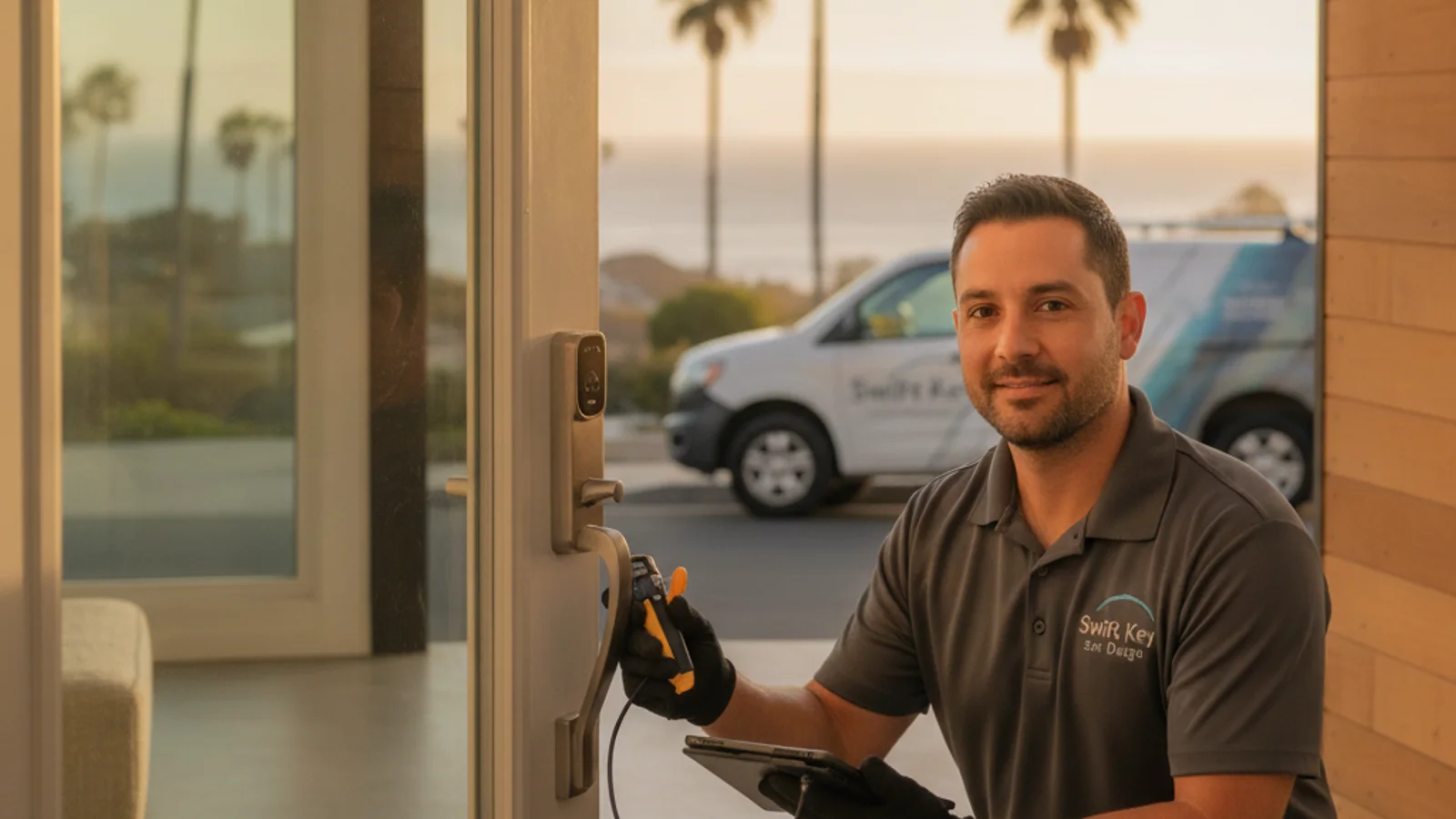
For most San Diego short-term rental hosts, the right move is a Wi-Fi keypad deadbolt with auto-expiring guest codes. The Yale Assure Lock 2 with Wi-Fi module is the top pick for active STR hosts. The Schlage Encode Plus is the right call if reliability matters more than advanced rental integrations. Budget hosts with a single unit can get by with the Kwikset Halo for the lock itself. The locksmith quotes the install separately.
San Diego’s short-term rental market is dense, especially in Mission Beach, Pacific Beach, and the coastal neighborhoods along the 101 corridor. A lot of hosts here manage multiple properties, deal with year-round turnover, and need a lock system that works without calling a locksmith every time a guest checks in. Here’s what actually matters, and what doesn’t.
What an STR lock must do that a regular home lock doesn’t
A lock on your primary residence has one job: let you in. A lock on a vacation rental has five.
Per-guest codes that expire automatically. Every guest gets a unique code that starts working at check-in and stops working at checkout. No recycling the same code across guests. No texting “the code is 1234” to strangers indefinitely.
Remote code management. You need to be able to add, change, or delete codes from your phone, from anywhere, without being physically present at the property. This is the feature that separates a real STR lock from a basic keypad.
An audit log. You need to know when the door opened and who used which code. When a guest claims they were locked out but your log shows the door opened at 2:15am, that’s useful information. When housekeeping shows a gap in their entry records, you can flag it.
Backup entry when Wi-Fi drops. This one gets skipped in most reviews. Coastal San Diego properties lose Wi-Fi more often than inland ones, partly from weather events, partly from older building wiring in beach cottages and bungalows. If the lock requires active Wi-Fi to open, a router reboot between guests becomes an emergency. A usable STR lock still opens from the keypad code whether or not the internet is up.
Durability for high turnover. A vacation rental deadbolt might cycle 400 or 500 times a year. A primary residence might cycle 100. The motors and keypads on cheap smart locks aren’t built for that. Schlage and Yale are.
Picks by scenario
| Scenario | Pick | Hardware note | Why |
|---|---|---|---|
| Active STR host, multiple properties | Yale Assure Lock 2 + Wi-Fi module | Module sold separately | Best app for per-booking code automation, integrates with major hosting platforms |
| Single property, reliability first | Schlage Encode Plus | Premium shelf price | Best motor reliability, 9-12 month battery life, clean app |
| Budget, hands-on host | Kwikset Halo | Entry-price Wi-Fi keypad | Solid keypad, rekeyable cylinder |
| Retrofit, keep existing deadbolt exterior | Level Bolt | Interior-only swap | No exterior hardware change, HOA-friendly |
A note on the Yale’s Wi-Fi module: it’s sold separately and it’s not optional if you want to manage codes remotely. Without it, the lock is Bluetooth-only, meaning you have to be within 30 feet of the door to add or change a code. Don’t skip it.
The Level Bolt retrofit is worth mentioning separately for Beach and OB properties with older, custom exterior hardware. If the door has a high-end deadbolt in a finish that matches a renovated aesthetic, the Level Bolt swaps out the interior mechanism and leaves the outside unchanged. The tradeoff: no keypad, so guests enter by code only if you pair it with a separate keypad reader. Most STR hosts don’t go this route for that reason.
For a full side-by-side of these models including specs for regular homeowners, see our best smart locks for San Diego homes in 2026 guide. For a breakdown of hardware and labor questions before you buy, the smart lock installation cost guide explains what to ask. The locksmith quotes. This site does not publish a market table.
The coastal durability problem
Beach properties in Mission Beach, Pacific Beach, Ocean Beach, and Coronado deal with salt air that corrodes exposed metal faster than anything inland. A keypad that’s fine in Rancho Bernardo may show corrosion on the keypad face within 18 months on a property half a block from the water.
A few things to know here. First, no residential smart lock is rated for marine environments. All of them are rated IP44 or similar, which means splash resistance, not salt spray resistance. That’s a different thing.
What you can do: choose a lock with a stainless or coated keypad face rather than raw zinc, apply a thin coat of dielectric grease to any exposed contacts at annual maintenance, and rinse the keypad face with fresh water after significant storm events. Schlage and Yale both hold up better at the coast than budget brands. Cheap zinc keypads delaminating at the number buttons is a known coastal failure. A Schlage Encode with a sealed face is built to resist that pattern, but it is still not a marine-rated lock.
Second, re-entry timing matters. When the smart lock motor gets stiff from salt air buildup, battery drain goes up, and the cycle count where failure becomes likely drops. If your beach property lock is running through batteries in under six months, that’s a signal to inspect and lubricate the bolt mechanism, not just swap batteries.
Cleaning-crew and maintenance access
Most STR hosts set three access tiers: guest codes that expire at checkout, a permanent cleaning-crew code, and a permanent maintenance or emergency code.
The right approach here isn’t to give the cleaning crew a key. It’s to give them a recurring time-window code that matches when you need them there. The Yale app lets you set codes that only work on certain days and hours. The Schlage Encode lets you schedule recurring access windows too. That means your cleaner can get in from 11am to 3pm on checkout days and no other time, without any manual code changes from you.
For trusted maintenance contacts, a permanent code makes sense. Log all entries and review them periodically. This isn’t about distrust; it’s about knowing your property is secure.
One pattern that works well for hosts managing multiple units: one master phone account with sub-user access for a property manager. Both can see the log and manage codes. Neither has to be at the property.
Guest lockout playbook for hosts
It’s 11pm. A guest texts: “I can’t get the door open.” Here’s what to work through in order.
First, confirm they’re entering the right code. Guests who type codes on an unfamiliar keypad sometimes confuse similar-looking digits. If they have the wrong code (typo in your message, wrong door at a multi-unit property), correct it before assuming the lock is the problem.
Second, check your lock’s app. If the lock shows as offline in your app, the Wi-Fi has dropped. Tell the guest to use the keypad code. Keypads work without Wi-Fi. If they’re getting “invalid code” with the correct code and the lock is offline, there may be a lock-side issue.
Third, if the lock is online and showing the code as active but the door still won’t open, it’s usually a mechanical issue: a swollen door (common in winter humidity shifts), a strike plate that’s shifted, or a failed motor. At this point, the guest needs physical help.
For physical lockout situations at your property, call Swift Key San Diego at (858) 400-4082. Swift Key is a referral service. We match you with an independent locksmith for home lockout work. After-hours availability is that locksmith’s to confirm, not a Swift Key hours promise. If the issue is a door or hardware problem, they can often assess it on the same call. Have your property address and the lock model ready.
One thing to build into your hosting workflow before issues happen: leave a physical key backup in a lockbox at the property, separate from the main entry. Not as the primary entry method, but as an emergency option when everything else fails. Most guests never use it. The ones who need it will be glad it’s there. For more on what happens when a lock battery dies mid-stay, see what to do when your smart lock battery dies.
Install cost and timeline
Professional smart lock installation is quoted by the independent locksmith. Ask for these as separate lines:
- Standard single-door swap on a door with an existing deadbolt prep
- Install with strike plate adjustment or bore hole modification
- Install plus app setup, code programming, and cleaning-crew walkthrough
Hardware is on top of labor. A Kwikset Halo sits at the lighter shelf price. A Yale Assure Lock 2 with Wi-Fi module sits higher.
Most installs finish in one visit when the door prep already matches. If you’re doing multiple units in the same building, ask the locksmith how they will schedule that. Guest code structures can be set up before they leave so the first booking is ready, if they quote that work.
A note on the STRO program: San Diego’s Short-Term Residential Occupancy license program requires hosts to register their properties. The licensing tiers are public record. We don’t know the details of your particular property or license status, but some host associations recommend documenting your security setup as part of good property management practice. A professional install with a log-capable lock is worth noting in that context.
Frequently asked questions
What’s the best smart lock for an Airbnb?
The Yale Assure Lock 2 with the Wi-Fi module is the top pick for active Airbnb hosts. It has the best app for managing per-booking codes, integrates with major hosting platforms for automatic code generation, and lets you set expiring and time-window codes for guests, cleaners, and maintenance contacts. The Schlage Encode Plus is the better pick if you want maximum mechanical reliability with slightly less rental-specific automation.
How do hosts give guests door codes?
Most STR hosts either set codes manually through their lock’s app before each check-in, or connect their lock to their hosting platform so codes generate and expire automatically with each booking. Yale integrates with the Airbnb-connected home ecosystem via third-party tools. Schlage and Kwikset allow manual scheduling of time-limited codes. Either way, the guest gets their code in the booking message, and it stops working when their reservation ends.
What happens if a guest gets locked out?
Work through it in order: confirm they have the right code, check whether the lock is online in your app, and have them try the keypad again. If the lock is offline, keypad codes still work. If the code is showing active but the door won’t open, there’s a physical issue with the door or lock hardware. For physical lockout situations, call Swift Key San Diego at (858) 400-4082. We match you with an independent locksmith for home lockout service. After-hours work is theirs to confirm.
Do smart locks work when the Wi-Fi is down?
Yes, for keypad entry. The Yale, Schlage, and Kwikset models in the table above store programmed codes locally on the device. Guests can still enter their code with no internet connection. What stops working during an outage is remote access from your phone and the entry log syncing to the app. Those features return when connectivity is restored.
Are smart locks safe enough for vacation rentals?
Yes, with the right setup. The risks that matter for rentals are code recycling (giving the same code to multiple guests), weak physical deadbolts, and locks without audit logs. A current Yale or Schlage model with per-booking expiring codes and a logged entry history is more secure than a physical key that a guest could copy. The physical deadbolt grade matters too. Ask the locksmith to install a Grade 1 deadbolt, which is harder to kick in. Drilling is a last resort they should quote, not a promise they will never drill.
How often do smart locks need maintenance on beach properties?
Plan for annual maintenance on any property within a mile of the water. That means checking the bolt mechanism for salt buildup, lubricating the cylinder and bolt with a dry graphite or Teflon lubricant, inspecting the keypad face, and swapping batteries proactively even if the low-battery indicator hasn’t triggered. Catching it once a year is cheaper than an emergency lockout call during a guest stay.
Need a smart lock installed at your San Diego vacation rental? Call (858) 400-4082. Swift Key San Diego is a referral service. We match you with an independent locksmith. That locksmith quotes the install, app setup, and any coastal hardware questions. Swift Key does not install locks or promise a fast visit.