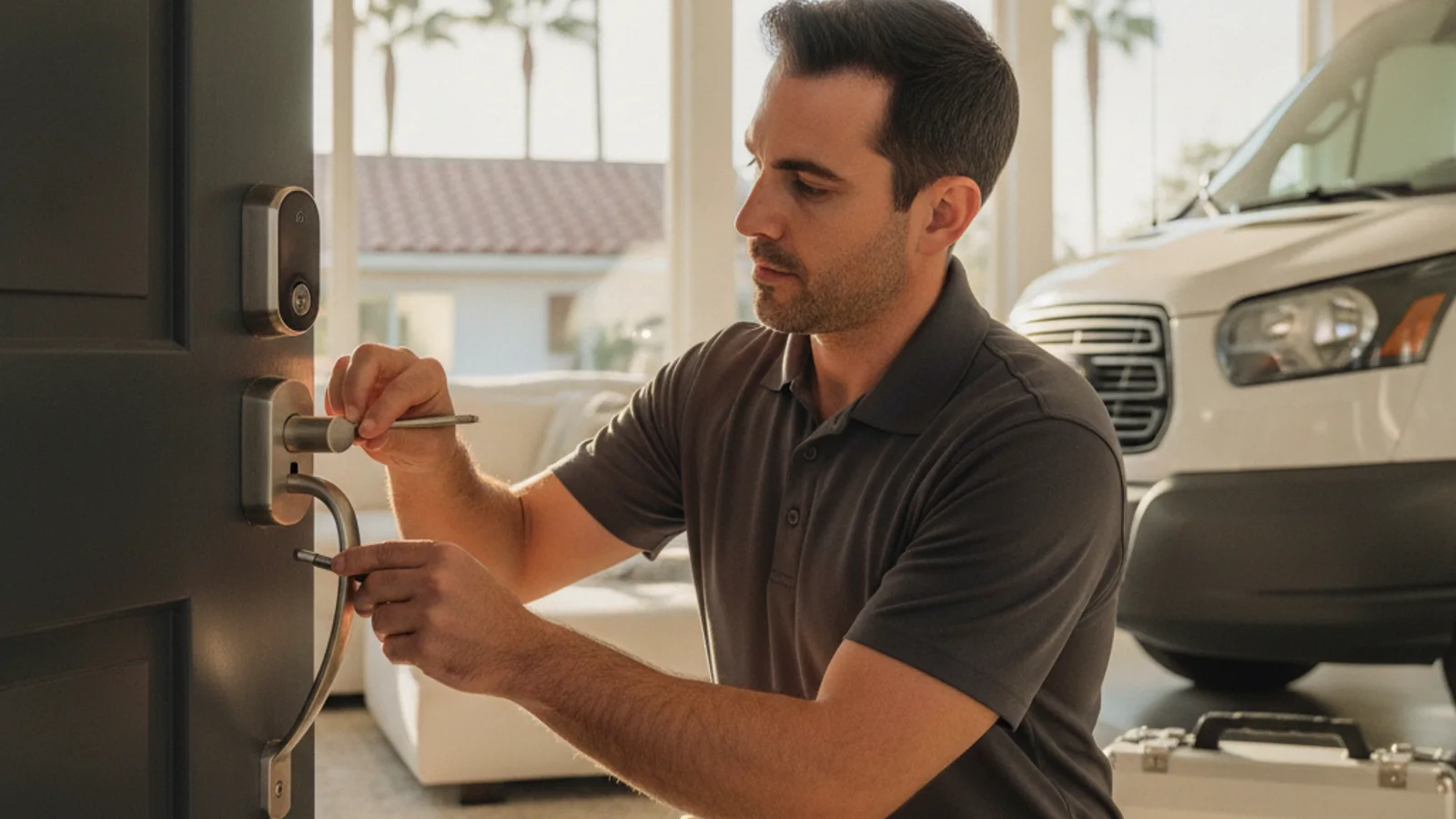
A smart lock can replace a physical rekey at turnover if you can issue and delete codes, and if the hardware still gives the tenant a working way in. That is an operations choice. It is not a California statute that blesses a particular brand.
California Civil Code section 1941.3 requires a landlord of a building intended for human habitation to install and maintain an operable dead bolt lock on each main swinging entry door, with the statute’s listed exceptions and specifications. It also covers certain window locking devices and some multifamily common-area doors. It does not say “install a Wi-Fi keypad.” A working traditional deadbolt can satisfy the operable-lock rule. A smart lock with a failed motor, dead batteries, and no usable key path can fail it.
California Civil Code section 1940.5 concerns waterbeds and other liquid-filled bedding. It does not create a smart-lock or turnover-rekey duty.
This page is general information, not legal advice. Local ordinances, habitability, and your lease can differ. Talk to a qualified landlord-tenant lawyer before you change access on an occupied unit.
Swift Key San Diego is a referral service. Independent licensed locksmiths inspect the door, quote hardware and labor, and set their own terms. Call (858) 400-4082 for a match.
Turnover: codes versus cylinders
Rekeying keeps the hardware and changes the pins so old keys stop working. A keypad or app lock lets you delete the last tenant’s code without pinning cylinders, if you actually control the account and you do that before the new tenant moves in.
That convenience is why many San Diego landlords look at smart locks on student-adjacent stock near SDSU and on short-stay units around Pacific Beach. A long-tenancy house in Chula Vista or Escondido may see one turnover in several years. In that case a mechanical rekey between tenants can be the simpler project. Compare rekey versus replace at move-in.
Do not use a break-even spreadsheet with invented per-cylinder rates. Ask the locksmith for an itemized rekey quote and a separate smart-lock install quote, then run your own turnover math.
Occupied units: do not treat the app as an eviction tool
Changing a current tenant’s code, deleting their app access, or disabling the lock remotely can exclude them from the unit. Get a lawyer before you touch credentials on an occupied rental. Court process or a written agreement with the tenant is the path to confirm, not a dashboard toggle.
Audit logs that show every entry raise privacy questions. If the landlord account can see when someone comes and goes, say so in the lease. Decide whether you need that feature.
Ordinary lock changes still start with the lease. Abuse-or-violence lock-change paths are Civil Code 1941.5 and 1941.6, which are not a general smart-lock rule.
Hardware that still has a key path
A rental lock that only works when Wi-Fi and a battery pack are healthy is a habitability problem waiting to happen. Many property managers still want:
- A physical key cylinder or another mechanical override the tenant can use
- A way to issue a unique tenant code and delete it at turnover
- A landlord or vendor code that you rotate when staff change
- Written rules for guest codes
Brand choice is the locksmith’s and your own. Schlage, Yale, and Kwikset all sell keypad deadbolts with different apps, hubs, and key cylinders. Test Wi-Fi at the door on ADUs and rear units before you buy. A lock that cannot hold a connection loses remote features; the keypad and key still have to work.
Short-term rentals often want time-limited codes that expire with a booking. Confirm the app actually supports that for your listing platform. Multi-unit buildings sometimes want one hub or access-control system instead of a pile of consumer Wi-Fi locks. That is a commercial project. See commercial locksmith and smart lock installation referrals.
Write the policy into the lease
Before install, put in writing:
- Who issues and deletes codes
- Whether the tenant may add family codes
- Battery responsibility during the tenancy and at turnover
- What happens in a power or internet outage (keypad and key still have to work)
- That the tenant still gets a working physical key if the hardware has one
- How you handle a failed lock mid-tenancy after notice
Battery life depends on alignment, temperature, and how often the motor runs. A misaligned strike drains batteries. Catch that at inspection. Do not promise a month count.
A lock rekey of the mechanical cylinder, if the model allows it, is separate from wiping codes. Say which you want.
Maintenance checklist
At each inspection or turnover:
- Confirm the deadbolt throws fully into the strike
- Check battery warnings in the app
- Replace batteries on a schedule you actually follow, or at every turnover
- Confirm old tenant codes are deleted before keys or codes go to the next resident
- Log model, install date, and which account owns the lock
- Confirm firmware is still supported; orphaned cheap locks become a liability
Frequently asked questions
Can a landlord install a smart lock in California?
Often yes if the lease allows the change and the unit still has operable required locks under 1941.3 and any local rules. A keypad-only device with no working override is harder to defend when batteries die. Confirm with counsel and, if needed, the local housing or building department. The locksmith quotes the install. They do not certify habitability.
Can a landlord change the door code on a current tenant?
Not as a way to lock them out of an ongoing tenancy. Get legal advice before any credential change on an occupied unit. Mutual written agreement or a court process is the usual frame, not the app.
Who pays for smart lock batteries in a rental?
The lease. There is no statewide battery statute we are citing here. Common practice is landlord at turnover and a notice-and-replace rule mid-tenancy. Write it down.
What if a tenant wants to add a family code?
That is an account-permission question. If you do not grant sub-user access, they cannot add codes the way they might copy a metal key. Put the rule in the lease.
Do I still rekey at turnover if I have a smart lock?
Delete old codes before the next move-in. If the lock still has a key cylinder, treat unreturned keys like any other key-control problem. Rekey or replace that cylinder if unknown copies may exist.
Is a smart lock more secure than a traditional deadbolt?
Physical grade and install quality matter more than the app. A poorly aligned motor lock is a weak door. Grade and strike-plate choices are in how to choose a Grade 1 deadbolt.
If you manage San Diego County rentals and already have authority to change the hardware, call (858) 400-4082 for a referral. The matched locksmith inspects the door, quotes the model you chose or an alternative they actually stock, and sets the terms.