A keypad-only lock and a smart deadbolt with a key can look similar online. The real choice is which entry paths your household needs when a phone, code, or battery isn’t available. Start with access, then confirm the exact model and door fit.
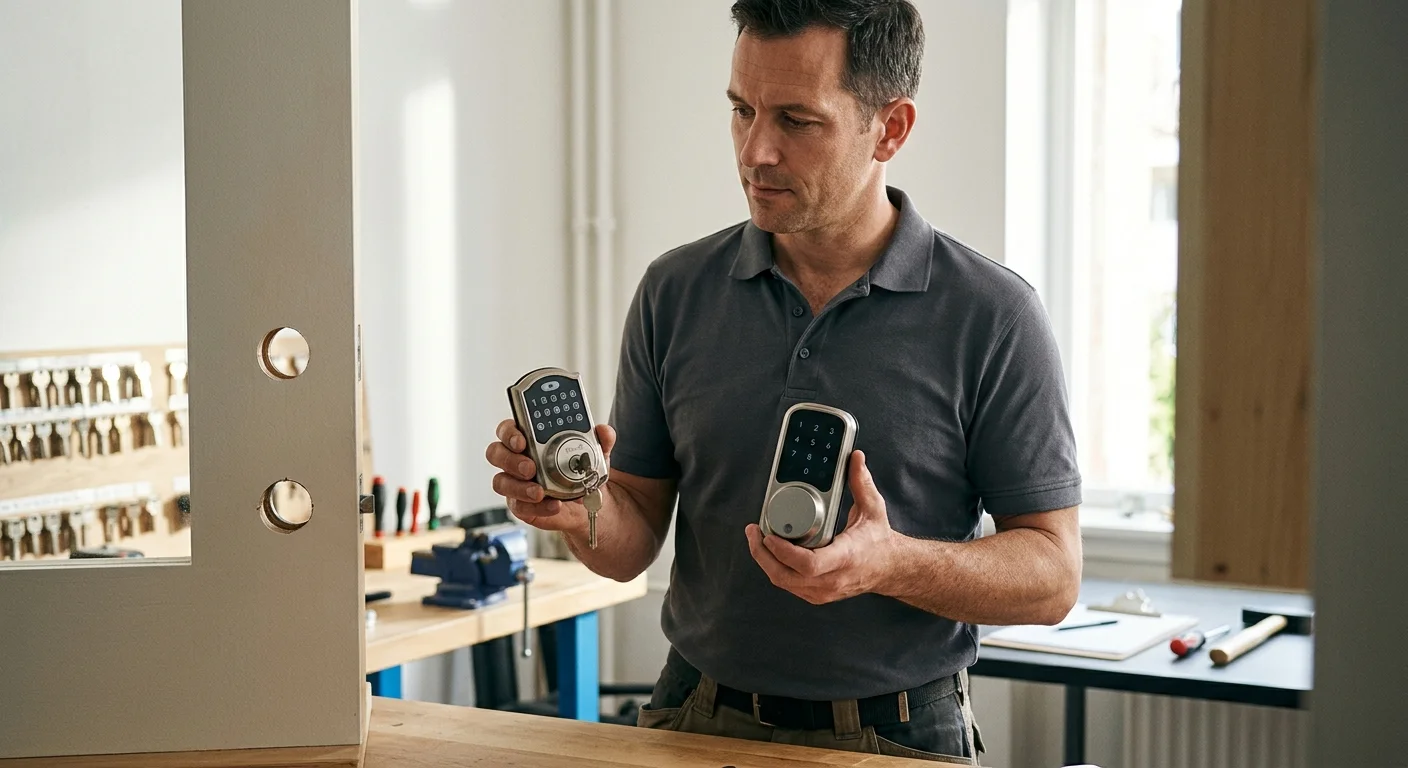
Decide whether a physical key fits your access plan
Start by listing everyone who regularly enters the property. Include residents, relatives, cleaners, pet sitters, and property managers. Then assign a primary and backup entry method to each person.
A keyed smart lock may suit someone who already carries house keys. It also gives that person an entry option separate from an app or code. However, the benefit disappears if nobody carries the backup key. A key stored inside the locked home isn’t a practical fallback.
Think through ordinary San Diego routines. A household might split time between a condo in Mission Valley and work in Sorrento Valley. Another might manage access for relatives in Chula Vista. The right plan depends on who arrives, what they carry, and who controls access settings.
A physical key also creates another item to manage. Decide who receives copies and where any spare will stay. If lost keys are a recurring concern, include that risk in the decision. Don’t choose a cylinder simply because it appears familiar in product photos.
Door conditions deserve equal attention. About 49.6% of homes in the city of San Diego were built before 1978. That figure doesn’t reveal your door’s age or measurements. It does show why buyers shouldn’t assume every opening matches new hardware.
Renters and people in managed properties should ask the property decision-maker before changing hardware. Get any requirements before ordering a lock. For the broader hardware choice, compare smart deadbolt and conventional deadbolt security separately from backup access.
Know what a keyed backup can and can’t solve
A true mechanical key override is separate from keypad and app access. On a model whose documentation confirms that feature, the correct key can operate the cylinder without using the app. Don’t confuse that with emergency battery contacts or a hidden charging port.
A manufacturer may describe exterior contacts as a way to supply temporary power. That isn’t the same mechanism as turning a physical key. Check whether temporary power activates the keypad, wakes the electronics, or supports another stated process. Follow the instructions for the exact model.
A keyed backup can help when electronic access isn’t available. It can’t repair damaged hardware, restore app connectivity, or supply fresh batteries. It also won’t solve a bolt that can’t move correctly. If the key enters but won’t operate the lock, forcing it can create another problem.
Plan for key storage before treating the cylinder as a fallback. The person outside needs access to the correct key. A spare held by someone across the county may not fit your actual routine. Likewise, a key placed somewhere obvious can create an access concern of its own.
Battery planning remains necessary even when a lock has a cylinder. Confirm the required battery type, replacement procedure, warning behavior, and emergency method in current manufacturer instructions. Our smart lock battery lockout guide explains how to organize those checks without assuming every lock behaves alike.
Most importantly, don’t treat all visible key cylinders as interchangeable. The cylinder’s keyway determines which key format fits. Model-specific compatibility matters if you want one existing house key to serve several locks.
Compare mechanical, battery, keypad, and app access
Treat each access method as a separate path. A product page may group them together, but they solve different situations. Write down the conditions required for each path before comparing models.
-
Mechanical key access: Confirm that the exact configuration includes a cylinder. Ask which keyway it uses and whether it can match your existing key. Decide who will carry the backup key.
-
Keypad access: Check how codes are created, removed, and used. Read what the manual says about operation when the phone or home network isn’t available. Don’t assume another model from the same brand works identically.
-
Battery support: Confirm the specified battery chemistry and quantity. Look for the documented low-power procedure and replacement steps. If exterior power contacts exist, verify what they actually enable.
-
App access: Check the supported phone, account, network, and accessory requirements. Separate local control from remote control. Confirm what remains available during an internet, account, or phone problem.
This comparison prevents a common purchasing mistake. A buyer sees four access features and assumes each one backs up every other one. The exact dependency chain may be different. Current manufacturer documentation should settle that question before purchase.
Build a simple access order for your household. It might be keypad first, app second, and physical key last. Another household may place the key first and use the app only for access management. Neither plan is automatically better.
Also decide who manages codes, app permissions, batteries, and spare keys. A smart deadbolt isn’t just a piece of door hardware. It’s an access system with several separate responsibilities. The better choice is the one your household can manage consistently.
Check the exact model before choosing hardware
Brand names aren’t enough for this decision. Product families may contain different configurations, trims, cylinders, and access methods. Record the full model number before comparing key compatibility or emergency entry.
Yale’s Assure Lock 2 specification lists a KW-1 five-pin keyway. Yale’s statement about rekeying to existing keys refers to existing KW1 keys. A Schlage C house key shouldn’t be treated as compatible with that Yale KW1 cylinder.
Kwikset documents a SmartKey Security KW1 cylinder for Halo and Halo Select. It also specifies four AA alkaline batteries. Kwikset’s Halo guidance says not to use rechargeable or lithium-ion cells. Those details show why a general “uses AA batteries” note isn’t specific enough.
A conventional Schlage B60 provides another useful contrast. Schlage lists its residential B60 single-cylinder deadbolt with a standard five-pin C keyway and two brass keys. A six-pin cylinder is available. The B60 isn’t the Encode 29-273 cylinder, and the commercial B600 is a different lock.
The B60 also fits doors from 1-3/8 inches through 1-7/8 inches, according to Schlage. That range applies to the B60. It doesn’t establish fit for a smart lock from Schlage or another manufacturer.
Before purchasing, create a model record containing:
- Manufacturer and complete model number
- Keyed or key-free configuration
- Published keyway
- Required battery type
- Documented emergency-access method
- Supported door measurements
- App, network, or accessory requirements
Save the current manual and specification sheet. Retail listings can omit details needed for installation. If existing-key compatibility matters, have the actual key and current lock identified before ordering new hardware.
When a locksmith should inspect the door
A professional inspection makes sense when measurements are uncertain or the bolt doesn’t move freely. It also helps when the new lock must share a key format with existing hardware. Don’t remove door material until the selected lock’s requirements and the opening have been compared.
Watch the door while operating the current deadbolt. Note whether it needs pushing, pulling, lifting, or extra pressure. Share those symptoms with the locksmith. A smart deadbolt shouldn’t be chosen as a guess at fixing an existing mechanical problem.
Bring the exact product information to the appointment. Include the full model number, installation guide, keyway, and door measurements. If you haven’t bought the lock, explain which access paths matter most. That lets the professional inspect the opening without assuming a specific product is suitable.
California locksmith work is regulated by the Bureau of Security and Investigative Services. You can check a locksmith company or registration through the state license search. Swift Key San Diego is a referral service, so the independent professional performs the inspection and any physical work.
A matched locksmith can assess a planned smart lock installation or a conventional deadbolt installation. Confirm the hardware, scope, price, and any warranty directly with that professional before work begins.
When to call us
Call when the bolt binds, the opening doesn’t match the chosen model, or existing-key compatibility is uncertain. Swift Key San Diego is a referral service, and the independent locksmith you hire performs the inspection or installation. Call us at (858) 400-4082 and we’ll connect you with a licensed local locksmith.