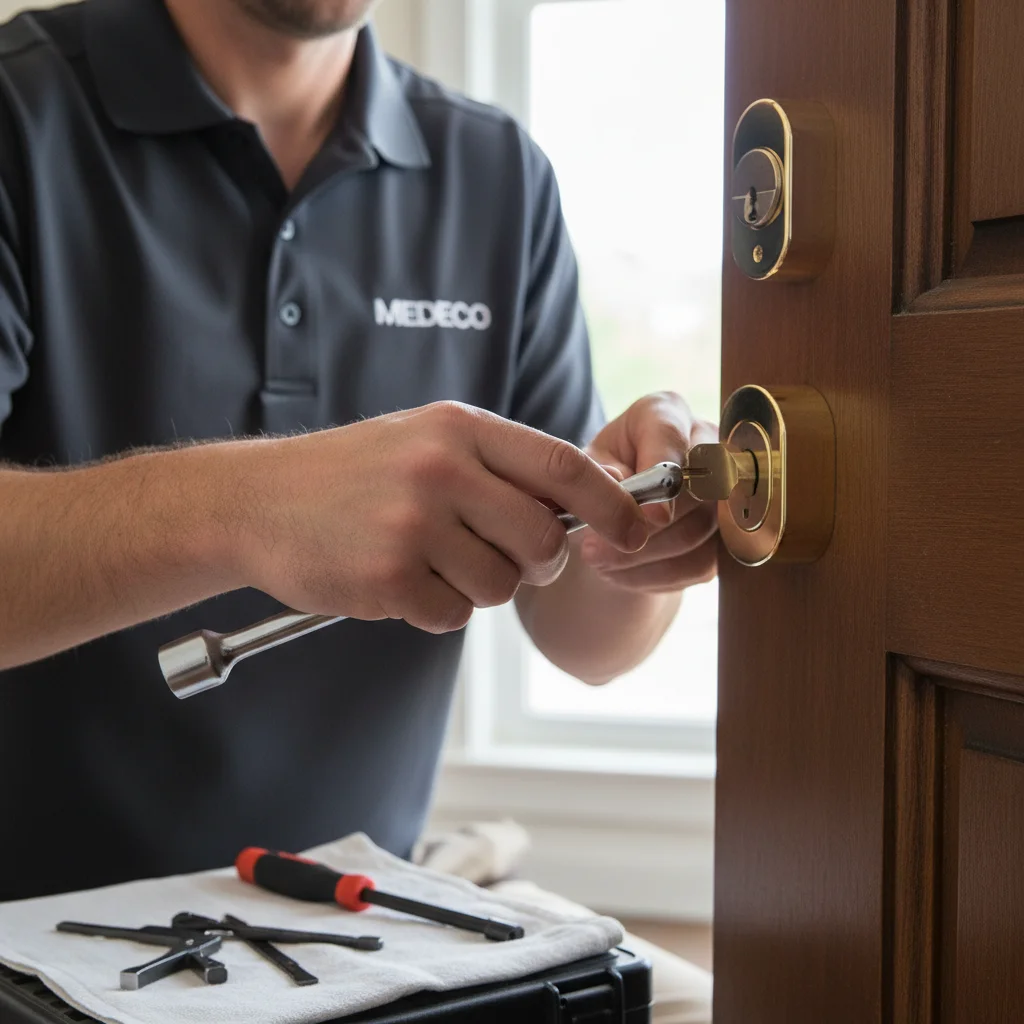
Most homeowners never think about their locks until one sticks, jams, or turns up in the wrong hands. A lock rarely fails all at once. It gives you signs first, and knowing what those signs mean is what separates a cheap rekey from an upgrade you didn’t need to make yet.
This is a guide to the decision itself: when your hardware is fine, when a rekey solves it, and when it’s time to replace what’s on your door.
Signs it’s time to upgrade
The key doesn’t turn smoothly anymore. A little resistance that wasn’t there a year ago usually means worn pins inside the cylinder, not a lubrication problem. WD-40 masks this for a week or two, then it comes back worse. Worn pins are also the first thing a lock pick catches on.
You bought a home and don’t know who else has a key. Previous owners, contractors, a realtor’s lockbox code, a neighbor who used to feed the cat. This isn’t really a maintenance question, it’s a control question, and the honest answer is almost always to change what’s on the door before you move in.
The deadbolt is loose or wobbles in the frame. If you can wiggle the bolt with the door locked, the strike plate or lock body has worn past where a tightening job fixes it. That looseness is exactly what a shoulder-check exploits.
It’s a builder-grade lock that came with the house. Production builders spec the cheapest lock that passes code, usually an ANSI Grade 3 cylinder. Grade 3 locks aren’t dangerous, but they’re rated for the lowest tier of resistance to forced entry. If nobody has touched your locks since the house was built, this is likely what’s on your door.
You want keyless entry. Kids coming home from school without a key, a dog walker who needs access twice a day, an Airbnb guest checking in after you’ve gone to bed. None of these are security failures, they’re convenience problems, and they point toward a smart lock.
There’s visible corrosion on the hardware. Green or white crust around the keyway, a bolt that sticks only in humid weather, a thumb-turn that feels gritty. In San Diego’s coastal neighborhoods, this shows up faster than most homeowners expect, covered in more detail below.
A break-in happened nearby. A cluster of attempted or successful break-ins on your street is a legitimate reason to move up your timeline.
The lock is original to a home built decades ago. A deadbolt installed in the 1980s or 90s predates most of the pick and bump resistance built into modern Grade 1 hardware, even if it still functions.
When an upgrade is worth it, and when a rekey is enough
Not every one of these signs means new hardware. If the lock body is sound, the bolt throws cleanly, and your only concern is who holds a key, a rekey is the cheaper right call. Rekeying replaces the pins inside the existing cylinder so old keys stop working, without touching the deadbolt, strike plate, or door prep. It’s the correct answer after a move-in with unknown key history, a breakup, or a contractor wrap-up.
An upgrade is worth it when the hardware itself is the problem: worn mechanicals, a Grade 3 lock you want to move up from, corrosion that’s compromised the cylinder, or a jump to keyless access that a rekey simply can’t deliver. If you’re weighing rekey against upgrade for your specific situation, the short version is this: rekey addresses who has a key, upgrade addresses what the lock itself can resist or do.
What to upgrade to
An ANSI Grade 1 deadbolt is the right call if security is the actual concern. Grade 1 is the highest residential rating, tested for resistance to kick-ins, drilling, and prying that Grade 2 and Grade 3 locks aren’t built to withstand. Our guide on how to choose a Grade 1 deadbolt walks through the features worth paying for, and our deadbolt installation service handles the actual swap.
A smart lock is the right call if convenience and access control are the actual concern. Code-based or app-based entry lets you grant and revoke access without cutting a single key, which matters for rentals or family members who come and go. Not every smart lock on the market is worth installing. See our current picks in the best smart locks of 2026, and our smart lock installation service for the setup itself.
A high-security cylinder is the right call if you’ve had a break-in attempt, store anything genuinely valuable, or hand keys to people outside your household regularly, like cleaners or property managers. These cylinders resist picking and bumping using restricted keyways that can’t be duplicated at a hardware store. We break down who this makes sense for in are high-security locks worth it.
For homeowners torn between a Grade 1 deadbolt and a smart lock on the same door, see smart lock vs. deadbolt: which is actually safer for how the two stack up on security, not just convenience.
The San Diego coastal-corrosion angle
Homes within a couple miles of the coast, think Pacific Beach, La Jolla, Coronado, Ocean Beach, Del Mar, take on salt air that standard lock hardware isn’t built to handle long-term. Salt accelerates corrosion on the internal springs and pins long before it’s visible on the exterior finish. By the time you see white residue on a thumb-turn or feel grit in the keyway, the internal components have usually been degrading for months.
This is the one case where we’d tell a coastal homeowner to move up their upgrade timeline even if the lock still technically works. A corroded cylinder tends to fail at the worst moment, usually a stuck bolt on a night you’re trying to get inside during a storm. Marine-grade or corrosion-resistant finishes exist for this environment, and it’s worth asking about them by name when you upgrade.
Frequently asked questions
How do I know if I need to rekey or replace my locks?
If the lock body and bolt are mechanically sound and your only concern is who holds a key, rekey. If the hardware itself is worn, corroded, low-grade, or you want a feature it doesn’t have, like keyless entry, replace it. A rekey is faster and cheaper, but it can’t fix a mechanical problem.
Is it worth upgrading to a Grade 1 deadbolt if I’ve never had a break-in?
Yes, especially if your current lock is builder-grade Grade 3, which is common in production homes. You don’t need a break-in to justify the upgrade. It’s a one-time hardware decision that raises your baseline resistance to forced entry for the life of the lock.
How often should home locks be replaced?
There’s no fixed timeline, but builder-grade locks on a home 15 to 20 years old are worth a look even without obvious problems. Coastal homes should be inspected more often because salt air shortens the realistic lifespan of standard hardware.
Do smart locks actually make a home more secure, or just more convenient?
Both, depending on the model. A quality smart lock built on a real Grade 1 or Grade 2 mechanical core gives you the same resistance to forced entry as a standard deadbolt, plus the access control that a physical key can’t offer. A cheap smart lock built for convenience alone can actually be a downgrade in security. The mechanical rating matters as much as the smart features.
What’s the difference between a high-security lock and a Grade 1 deadbolt?
Every high-security lock is built to at least a Grade 1 standard, but not every Grade 1 lock has high-security features like restricted key control and pick-resistant pins. A Grade 1 deadbolt resists forced entry. A high-security lock resists forced entry and covert entry, and its keys can’t be duplicated without authorization.
Should I upgrade locks on every door, or just the front?
Prioritize doors that see foot traffic and forced-entry risk: the front door, any side or back entry, and the garage-to-house door. Interior doors rarely need the same tier of hardware.
If you’re unsure whether your locks need a rekey or a full upgrade, we’ll give you a straight answer, not an upsell. Call Swift Key San Diego at (858) 400-4082 for a same-day evaluation anywhere in San Diego County.